

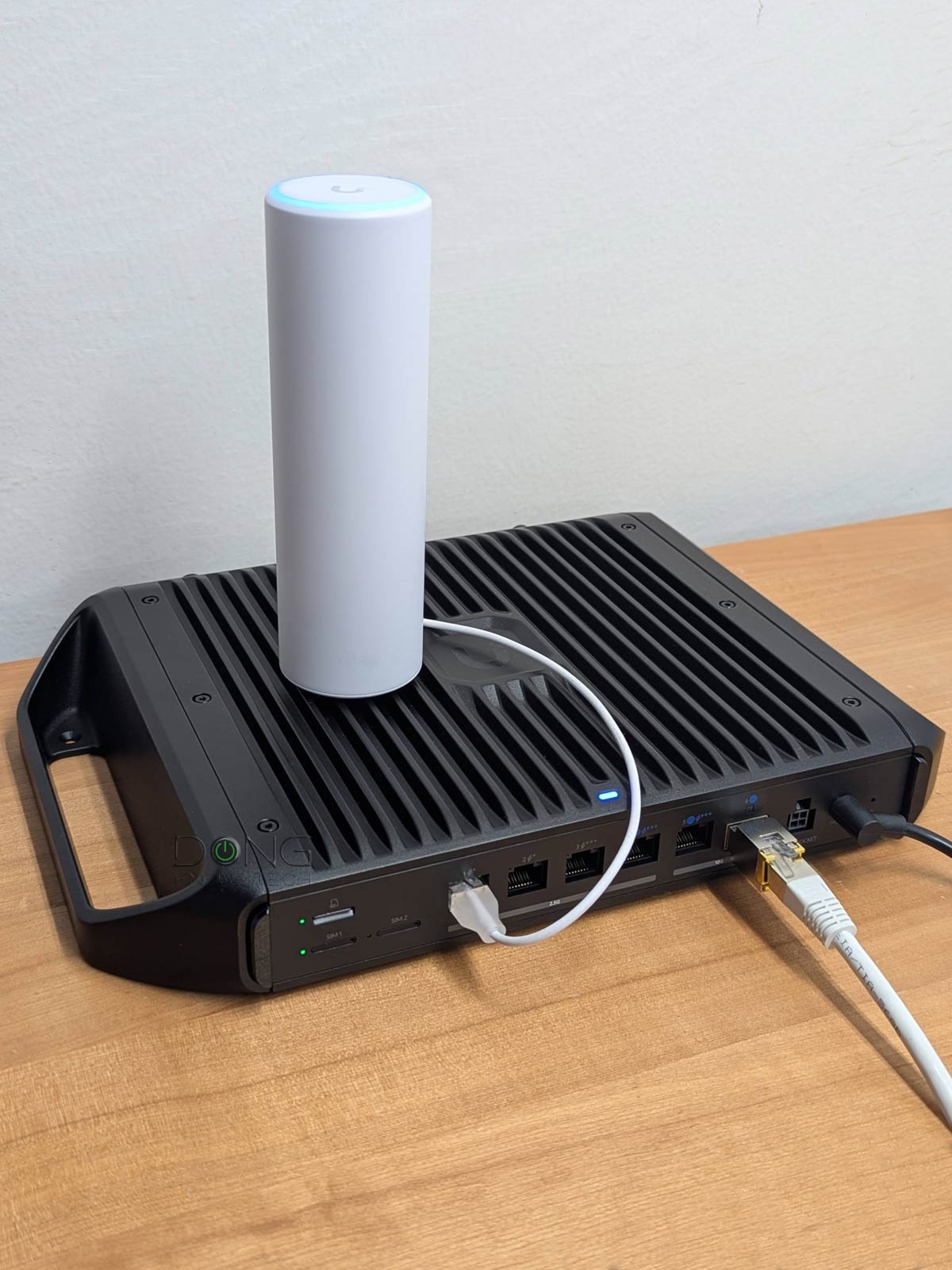

Standard access points (APs) are excellent options to build a robust Wi-Fi system, preferably with a non-Wi-Fi router. However, not all APs are created equal, and if you need more than one unit, it’s best to use hardware from the same ecosystem.
Among popular networking brands, Ubiquiti’s UniFi is arguably the best, offering an excellent combination of performance, features, and cost. That’s not to mention it’s the only brand that caters to all user demographics, from home users to enterprises.
This post includes the current five best UniFi access points, all featuring Wi-Fi 7, you can safely bring home, either as a single unit or a few to form a Wi-Fi system.
Best Ubiquiti UniFi access points: 2026’s top five Wi-Fi 7 options for different scenarios
These access points are sorted by rating, with #1 being the highest. However, each represents a different use case, so, depending on your situation, any of them can be the most applicable.
Generally, all of these access points can work with any router when used as a single unit. However, they do require a UniFi Cloud Gateway (a.k.a. “router”) when used as a system to deliver the best performance. In this case, the most flexible option is a non-Wi-Fi gateway, or one with the same Wi-Fi standard integrated.
For example, if you get a tri-band UniFi access point, it’s best to use it with a tri-band UniFi Cloud Gateway. It’s worth noting, though, that UniFi Cloud Gateways are also flexible in terms of Wi-Fi management, and you generally can use any of them with any of UniFi access points of any Wi-Fi standard. It’s just a matter of configuration.
Most of these access points are PoE-enabled and generally require a PoE switch or injector that supports the same or higher power standard, preferably with the same or higher port grade, to deliver optimal performance.
1. U7 Pro XGS: Tri-band, 10GbE PoE++ uplink


The U7 Pro XGS was first released in 2025 and is a major upgrade over the U7 Pro Max, featuring a 10GbE uplink, Zero-Wait DFS, and real-time spectral analysis for optimal coverage.
Pros
Top Wi-Fi 7 performance via 10Gbps uplink port with excellent coverage
Seamless integration with a UniFi console to deliver a robust mesh system with lots of advanced and useful features
Simple to set up and manage, fanless design
Zero-wait DFS, low PoE power draw
Cons
No AFC, no PoE injector included
No local web user interface as a standalone AP; runs hot
2. U7 Mesh: Dual-band, 2.5GbE PoE uplink with extended backhaul range

The U7 Mesh is the 2026 member of the UniFi family. It’s a dual-band outdoor Wi-Fi 7 access point that uniquely features dedicated directional uplink antennas for extended range. It’s also one of the few UniFi access points that comes with an injector and is an ideal option for those needing to mesh two properties hundreds of feet apart.
Pros
Compact and rugged design with reliable performance and exceptionally extended backhaul range
Seamless integration with a UniFi Cloud Gateway, as an access point or a mesh unit, to deliver a robust Wi-Fi system with advanced and useful features
Simple to set up and manage, fanless design, low PoE power draw, runs relatively cool, 2.5Gbps PoE injector included
Cons
Modest dual-band Wi-Fi 7 specs with only Gigabit-class real-world rates
A UniFi network is required to deliver the full potential
3. UniFi U7 In-Wall: Dual-band, 2.5Gbps PoE+ uplink with PoE Power Forarding

The U7 In-Wall is the surface-mount version of the U7 Lite, a dual-band Wi-Fi 7 access point similar to the U7 Mesh above. It comes with a 2.5GbE PoE+ uplink port.
The In-Wall is unique because it features an integrated 2-port 2.5Gbps switch, of which one is a PoE-out port. In other words, in addition to being a PoE+ access point, it’s also a PoE switch with PoE Power Forwarding capability. It’s an excellent option for those who need to set up a daisy-chained PoE Wi-Fi 7 network.
Pros
Excellent performance with good coverage; 2.5Gbps PoE+ uplink port and additional two 2.5Gbps LAN ports with PoE Power Forwarding
Seamless integration with a UniFi console to deliver a robust mesh system with lots of advanced and useful features
Beautiful, fanless design; simple to set up and manage
Cons
No PoE injector included, mid-tier dual-band Wi-Fi 7 specs
No local web user interface as a standalone AP
4. UniFi Enterprise7 (E7): Tri-band with AFC, 10GbE PoE+++ uplink


The E7 is one of the first Wi-Fi 7 access points on the market to feature Automated Frequency Coordination (AFC), which extends range on the 6GHz band. Other than that, it has everything the U7 Pro XGS above offers.
Pros
10Gbps PoE++ port with top-tier Wi-Fi 7 specs to deliver excellent Gig+ performance with extensive 6GHz range thanks to AFC
Seamless integration with a UniFi console to deliver a robust mesh system with lots of advanced and useful features
Simple to set up and manage
Cons
No PoE injector included; 2.4Ghz performance could be better
No local web user interface as a standalone AP
Bulky deisgn, a bit pricey
5. U7 Pro Outdoor: Tri-band with AFC, 2.5GbE PoE+ uplink
The U7 Pro Outdoor is another consumer-friendly UniFi Wi-Fi 7 access point that supports AFC. As an outdoor unit, it’s excellent for those who need extended 6GHz coverage.
Pros
Excellent Gig+ performance with extensive coverage thanks to AFC support
Seamless integration with a UniFi console to deliver a robust mesh system with lots of advanced and useful features
Simple to set up and manage
Cons
No 10Gbps port, mid-tier Wi-Fi 7 specs; no PoE injector included
No local web user interface as a standalone AP
Takes a long time to get ready due to the lack of dedicated spectral scanning radio; limited 6GHz client support
Extra: UniFi Express 7 (UX7)
The UX7 is technically not an access point, but a UniFi Cloud Gateway. However, it can uniquely switch its role to that of an access point. As a result, it’s an excellent access point or mesh point for those without PoE or who can’t run network cables.
Pros
Flexible enough to be the primary router or a satellite unit of a robust UniFi mesh system
Excellent throughput performance for the specs, reliable coverage
Tons of useful network-related features, including a mesh controller
Compact, fanless, and beautiful design, comprehensive web user interface with an optional mobile app
Affordable, quiet, and remains relatively cool during operation
Cons
Only two network ports, with only one being 10 Gbps, no PoE, support only the UniFi Network application
Convenient network-related features require a UI login account, not wall-mount-ready
Rigid backhaul as a mesh satellite unit; no AP mode when hosting a Wi-Fi system; the MLO feature could be better overall
The final thoughts
All of the access points above can work as individual units in any network. However, in that case, you’ll need to use the UniFi mobile app for setup and management, and even then, it’s limited in what it can do.
The best way to use one, or especially a few UniFi access points, is via a UniFi Cloud Gateway. It’s only then that you can get the best performance and features out of them—in fact, you now have a robust, most advanced Wi-Fi system.
If you’re new to UniFi Cloud Gateway, the current list of the top five below will help.
