Skip to content
Close Menu

    Subscribe to Updates

    Get the latest news from tastytech.

    What's Hot

    Stanford Evo 2 AI model generates phages against E. coli

    August 7, 2026

    Top 10 Skills for Claude Code and Codex CLI

    August 7, 2026

    GPUs Are Not a Cloud: Why Neoclouds Need Vendor Neutral AI Infrastructure Orchestration

    August 7, 2026
    Facebook X (Twitter) Instagram
    Facebook X (Twitter) Instagram
    tastytech.intastytech.in
    Subscribe
    • AI News & Trends
    • Tech News
    • AI Tools
    • Business & Startups
    • Guides & Tutorials
    • Tech Reviews
    • Automobiles
    • Gaming
    • movies
    tastytech.intastytech.in
    Home»Tech Reviews»Update your iPhone now — Apple issues a rare warning to iOS users as a new hacker threat is discovered
    Update your iPhone now — Apple issues a rare warning to iOS users as a new hacker threat is discovered
    Tech Reviews

    Update your iPhone now — Apple issues a rare warning to iOS users as a new hacker threat is discovered

    gvfx00@gmail.comBy gvfx00@gmail.comMarch 20, 2026No Comments4 Mins Read
    Share
    Facebook Twitter LinkedIn Pinterest Email


    • Apple has urged users to update their iOS devices as soon as possible
    • This will protect your iPhone from web attacks and vulnerabilities
    • Devices running iOS 15 to iOS 26 are already protected

    Apple has issued a rare public warning, stating that if you’re running an old version of iOS, you should update your device in order to “protect your iPhone from web attacks.”

    The notice has been published in a new security document on Apple’s website. While the company frequently releases security updates and patches to keep customers’ devices secure, it’s unusual for Apple to issue a public call in this manner, which underscores the seriousness of the situation.

    In the support document, Apple said that “Security researchers recently identified web-based attacks that target out-of-date versions of iOS through malicious web content. For example, if you’re using an older version of iOS and were to click a malicious link or visit a compromised website, the data on your iPhone might be at risk of being stolen.”

    Article continues below


    You may like

    It comes shortly after Google published details of an iOS exploit it had discovered named DarkSword, which is being used by both commercial spyware makers and state-sponsored hackers in the wild.

    As for Apple’s warning, the firm added that after being made aware of the hack, it “released software updates as quickly as possible for the most recent operating system versions to address vulnerabilities and disrupt such attacks.” That means that if your iPhone is running iOS 15 through iOS 26, you’re already protected because Apple’s security updates have addressed the vulnerabilities in question.

    However, if you have an older version of iOS on your device, you should update it as soon as possible in order to get the security patches and keep this exploit at bay.

    Table of Contents

    Toggle
    • How to protect yourself
      • Related posts:
    • Trump Says He'll Sign Executive Order Preempting State AI Regulations
    • Your Kitchen Is Full of Useless Gadgets. At Least, That's What These Chefs Say
    • Ars Live: Is the AI bubble about to pop? A live chat with Ed Zitron.

    How to protect yourself

    A hacker holds a phone next to a laptop.

    (Image credit: Sora Shimazaki / Pexels)

    Apple sought to reassure users of the latest iOS operating systems that “If you have kept your iPhone software up to date, then you are already protected.” Indeed, it noted that “Keeping your software up to date is the single most important thing you can do to maintain the security of your Apple products.”

    Sign up for breaking news, reviews, opinion, top tech deals, and more.

    Because the exploit runs on the web, Safari’s Safe Browsing mode – which is enabled by default – “blocks the malicious URL domains identified in these attacks,” Apple said.

    While all of the best iPhones can update to iOS 26, that’s not the case for much older products. But even if your iPhone is too outdated to run iOS 26, you could consider enabling Lockdown Mode (if available). While this restricts what you can do on your iPhone, it offers strong protection that could keep it safe if you can’t install the latest iOS version. However, Apple cautioned that older devices should still be updated to newer operating system versions as soon as possible.

    Apple also says it has released a patch for iOS 15 and iOS 16 that specifically addresses the vulnerability mentioned in the support document. Devices on iOS 13 or iOS 14, meanwhile, must be updated to iOS 15, Apple says, in order to be protected. The company added that devices on these operating system versions will also receive an alert to install a Critical Security Update in the coming days.


    What to read next

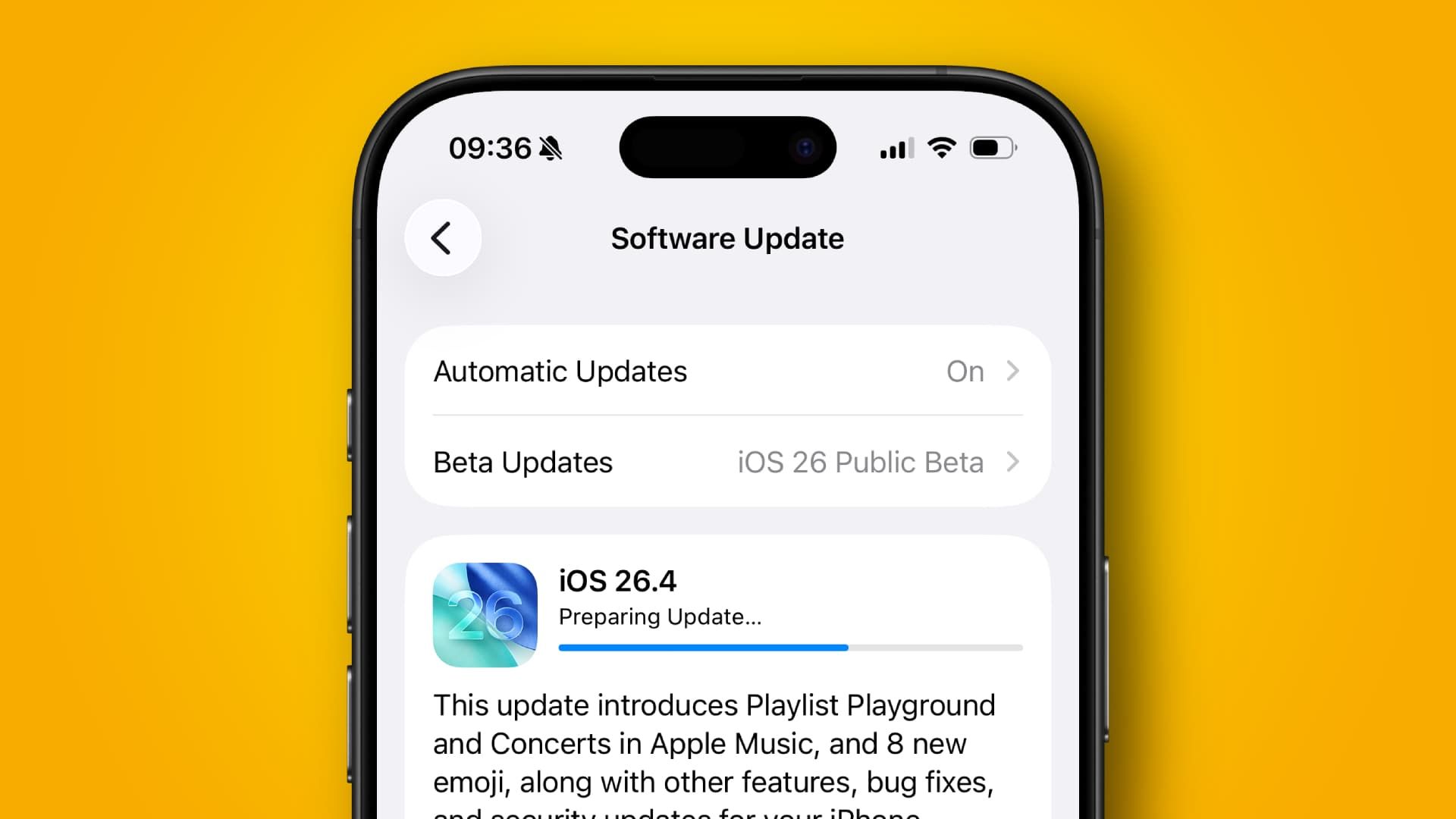
    To update your iPhone to the latest edition of iOS, open the Settings app and navigate to General > Software Update. Wait for your iPhone to find the update, then tap Update Now. Your iPhone might restart a few times, and the process can take a little while. Also, be sure to back up your iPhone before you begin, just in case anything goes wrong.

    The situation highlights just how important it is to keep your iPhone up to date as often as you can. Software updates don’t just contain shiny new features – they could also help keep you safe and ensure your vital information, from credit card numbers to your health data, stays out of the hands of hackers and criminals.


    Follow TechRadar on Google News and add us as a preferred source to get our expert news, reviews, and opinion in your feeds. Make sure to click the Follow button!

    And of course you can also follow TechRadar on TikTok for news, reviews, unboxings in video form, and get regular updates from us on WhatsApp too.

    Today’s best Apple iPhone 17 deals

    Apple iPhone 17 256GB Black...
    ID

    24 months

    Unlimited mins

    Unlimitedtexts

    10GBdata


    Related posts:

    Wi-Fi 7 Multi-Link Operation 101: eMLRS MLO vs. STR MLO and the Bandwidth Truth

    For the 2nd time in weeks, Microsoft packages laced with credential stealer

    The best noise-canceling earbuds for 2026

    Share. Facebook Twitter Pinterest LinkedIn Tumblr Email
    Previous Article‘Abyss Without Balance’ quest walkthrough in Crimson Desert
    Next Article How to Run Agentic AI Tasks Like a Pro
    gvfx00@gmail.com
    • Website

    Related Posts

    Tech Reviews

    Price Hikes May Be Coming for PC Motherboards Next

    August 7, 2026
    Tech Reviews

    Behind every goal: the technology delivering the World Cup to billions

    August 7, 2026
    Tech Reviews

    Ubiquiti UniFi Protect Review: 2026’s Best Home Surveillance System

    August 7, 2026
    Add A Comment
    Leave A Reply Cancel Reply

    Top Posts

    Black Swans in Artificial Intelligence — Dan Rose AI

    October 2, 2025216 Views

    Every Clue That Tony Stark Was Always Doctor Doom

    October 20, 2025141 Views

    We let ChatGPT judge impossible superhero debates — here’s how it ruled

    December 31, 2025109 Views
    Stay In Touch
    • Facebook
    • YouTube
    • TikTok
    • WhatsApp
    • Twitter
    • Instagram

    Subscribe to Updates

    Get the latest tech news from tastytech.

    About Us
    About Us

    TastyTech.in brings you the latest AI, tech news, cybersecurity tips, and gadget insights all in one place. Stay informed, stay secure, and stay ahead with us!

    Most Popular

    Black Swans in Artificial Intelligence — Dan Rose AI

    October 2, 2025216 Views

    Every Clue That Tony Stark Was Always Doctor Doom

    October 20, 2025141 Views

    We let ChatGPT judge impossible superhero debates — here’s how it ruled

    December 31, 2025109 Views

    Subscribe to Updates

    Get the latest news from tastytech.

    Facebook X (Twitter) Instagram Pinterest
    • Homepage
    • About Us
    • Contact Us
    • Privacy Policy
    © 2026 TastyTech. Designed by TastyTech.

    Type above and press Enter to search. Press Esc to cancel.

    Ad Blocker Enabled!
    Ad Blocker Enabled!
    Our website is made possible by displaying online advertisements to our visitors. Please support us by disabling your Ad Blocker.