


# Introduction
Hallucinations are one of the best-known problems that large language models (LLMs) may experience when generating responses. They occur when a model produces a response that is factually incorrect, nonsensical, or simply made up, typically due to the model’s lack of internal knowledge on the matter.
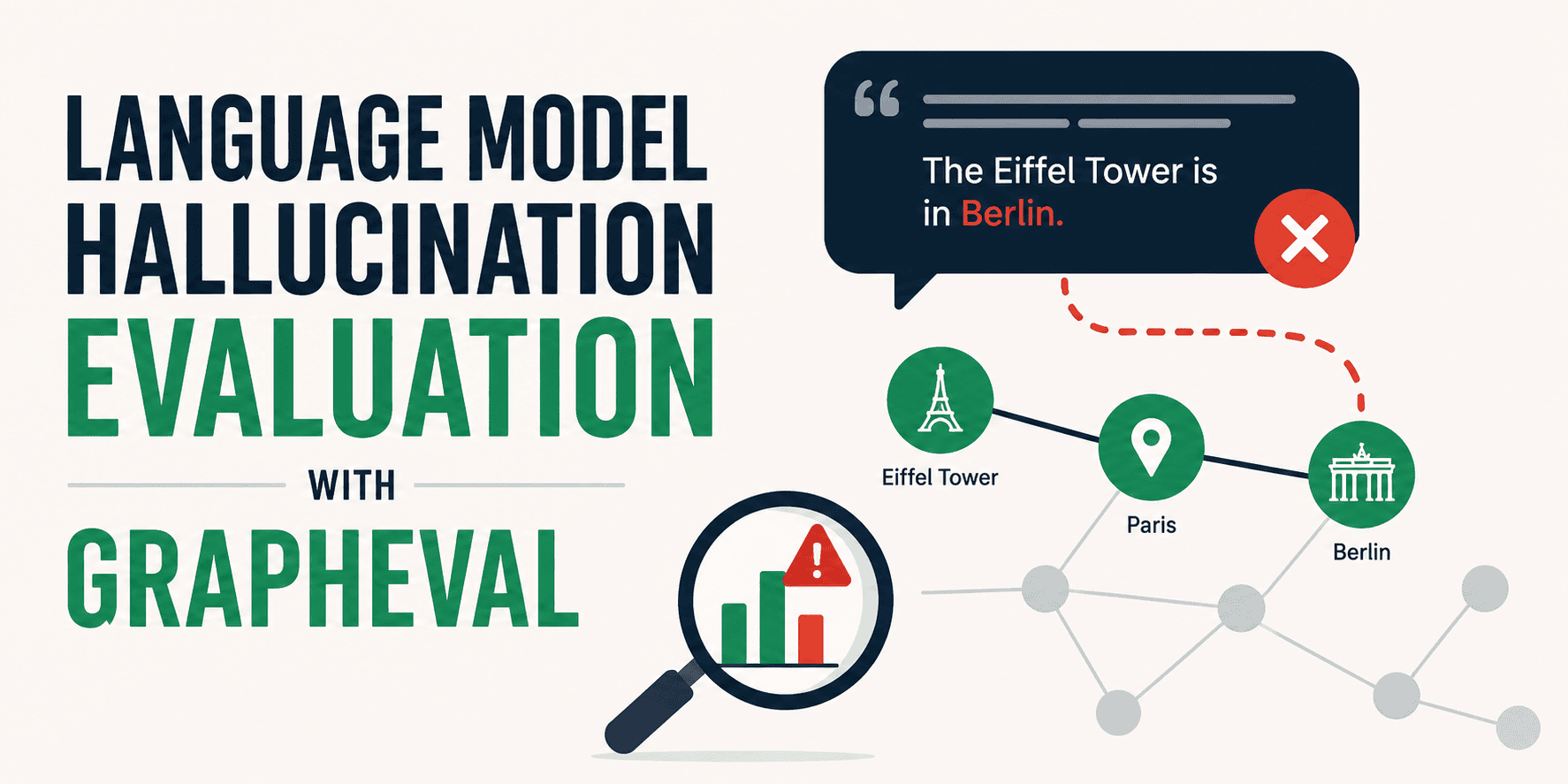
While many solutions have arisen in recent years to tackle the problem of model hallucinations, methodological evaluation frameworks for internally diagnosing them have been comparatively less studied. One recent study by Amazon researchers proposes using knowledge graphs as a means to analyze and detect hallucinations occurring in LLMs. The framework presented in the study is named GraphEval.
In this article, we will take a gentle, practical approach to illustrate the conceptual building blocks of GraphEval through a simulation-based, lightweight code example that you can easily try on your machine.
# GraphEval in a Nutshell
GraphEval leverages knowledge graphs to identify and signal hallucinations in LLM-generated outputs. Unlike classical performance metrics that provide single scores to evaluate aspects like accuracy, certainty, and so on, GraphEval applies a two-stage evaluation process that emphasizes explainability, namely, providing insights into where exactly the hallucination took place.
To do this, GraphEval considers two stages:
- Constructing a knowledge graph from the generated model response. The graph consists of semantic triples of the form (Subject, Relationship, Object), where subjects and objects correspond to nodes, and relationships correspond to the edges connecting those nodes.
- Evaluating each triple in the constructed knowledge graph against a source context (a ground-truth body of knowledge) through a natural language inference (NLI) model. Any triple that cannot be entailed by the context according to the NLI engine — because it is contradictory or neutral — is flagged as a hallucination.
# Illustrating GraphEval Through a Code Example
Before starting the code that simulates the application of the GraphEval framework, let’s make sure we have the necessary libraries installed:
!pip install -q transformers networkx matplotlib torch
The purpose of the code example we are about to walk through is to demystify how the GraphEval methodology works, so we will replace the stages that would demand a heavy computational burden in a real-world setting with simulated, lightweight alternatives.
Accordingly, we will simulate a ground-truth knowledge base (context) assumed to contain factual information. In a production setting, this ground-truth knowledge would stem, for instance, from retrieving relevant documents from the vector database of a retrieval-augmented generation (RAG) system. For simplicity, here we directly create a ground-truth context and store it in source_context.
# The ground-truth context provided to the LLM
source_context = (
    "GraphEval is a hallucination evaluation framework based on representing information "
    "in Knowledge Graph (KG) structures. It acts as a pre-processing step and utilizes "
    "out-of-the-box NLI models to detect factual inconsistencies."
)
Now, let’s suppose the following is the original LLM response to a user prompt like “explain succinctly what GraphEval is”. To initiate the first stage of the evaluation process, we would ask an auxiliary LLM to build the knowledge graph from that response. Both the response and the follow-up prompt used to obtain the knowledge graph are shown below:
# The generated response we want to evaluate (contains a hallucination)
llm_output = (
    "GraphEval is an evaluation framework that uses Knowledge Graphs. "
    "It requires a highly expensive, enterprise-level server farm to operate."
)

# Prompt template that would theoretically be passed to a local/free LLM (e.g. Mistral-7B)
KG_EXTRACTION_PROMPT = f"""
You are an expert information extractor. Extract the core information from the following text as a Knowledge Graph.
Return the output strictly as a Python list of tuples in the format: (Subject, Relationship, Object).

Text: {llm_output}
"""
Once again, for the sake of simplicity and to bypass the otherwise heavy computational load of running a massive LLM locally, let’s suppose the following graph triples are obtained:
# Simulated extraction to bypass the heavy computational load of running a massive LLM locally
extracted_triples = [
    ("GraphEval", "is", "evaluation framework"),
    ("GraphEval", "uses", "Knowledge Graphs"),
    ("GraphEval", "requires", "expensive enterprise server farm")
]

print("Extracted Triples:")
for t in extracted_triples:
    print(t)
Output:
Extracted Triples:
('GraphEval', 'is', 'evaluation framework')
('GraphEval', 'uses', 'Knowledge Graphs')
('GraphEval', 'requires', 'expensive enterprise server farm')
We deliberately added a triple that is fundamentally a hallucination (no enterprise server farm needed whatsoever!), so we can demonstrate how the subsequent NLI process applied to the knowledge graph reveals it.
Enough simulated steps for today. Let’s get into the real action for the next stage: the NLI process. The next piece of code is fundamental to leveraging the ideas behind GraphEval. It uses a pre-trained NLI model from Hugging Face — the model is publicly available, so no access token is needed to download it — to compare each triple against the ground-truth context. If no entailment is “predicted” by the NLI model for a given triple, it is labeled as a hallucination.
from transformers import pipeline

# Loading the open-source NLI model
print("Loading DeBERTa NLI model...")
nli_evaluator = pipeline("text-classification", model="cross-encoder/nli-deberta-v3-small")

def evaluate_triple(context, triple):
    subject, relation, obj = triple
    hypothesis = f"{subject} {relation} {obj}"

    # Checking if the context entails the hypothesis
    result = nli_evaluator({"text": context, "text_pair": hypothesis})

    # NLI models normally output: 'entailment', 'neutral', or 'contradiction'
    label = result['label'].lower()

    # In GraphEval, anything other than 'entailment' is flagged as a hallucination
    is_hallucinated = label != 'entailment'

    return is_hallucinated, label, hypothesis

# Running the evaluation pipeline
evaluation_results = []

print("\n--- GraphEval Results ---")
for t in extracted_triples:
    is_hallucinated, nli_label, hypothesis = evaluate_triple(source_context, t)
    evaluation_results.append((is_hallucinated, nli_label))

    status = "🚨 HALLUCINATION" if is_hallucinated else "✅ GROUNDED"
    print(f"{status} | Triple: {t} | NLI Output: {nli_label}")
Output:
--- GraphEval Results ---
✅ GROUNDED | Triple: ('GraphEval', 'is', 'evaluation framework') | NLI Output: entailment
✅ GROUNDED | Triple: ('GraphEval', 'uses', 'Knowledge Graphs') | NLI Output: entailment
🚨 HALLUCINATION | Triple: ('GraphEval', 'requires', 'expensive enterprise server farm') | NLI Output: neutral
As we expected, the last triple in the knowledge graph is detected as a hallucination.
To finish with a visual touch, we can also display the knowledge graph of the original LLM response alongside the detection results:
import networkx as nx
import matplotlib.pyplot as plt
import matplotlib.patches as mpatches

def visualize_grapheval(triples, eval_results):
    G = nx.DiGraph()
    edge_colors = []

    for (triple, res) in zip(triples, eval_results):
        sub, rel, obj = triple
        is_hallucinated = res[0]

        G.add_node(sub)
        G.add_node(obj)
        G.add_edge(sub, obj, label=rel)

        # Color-code the edges based on the NLI evaluation
        edge_colors.append('red' if is_hallucinated else 'green')

    # Set up the plot
    plt.figure(figsize=(10, 6))
    pos = nx.spring_layout(G, seed=42)

    # Draw nodes
    nx.draw_networkx_nodes(G, pos, node_color="lightblue", node_size=2500)
    nx.draw_networkx_labels(G, pos, font_size=10, font_weight="bold")

    # Draw edges and labels
    nx.draw_networkx_edges(G, pos, edge_color=edge_colors, width=2.5, arrowsize=20)
    edge_labels = nx.get_edge_attributes(G, 'label')
    nx.draw_networkx_edge_labels(G, pos, edge_labels=edge_labels, font_color="black")

    # Add legend
    green_patch = mpatches.Patch(color="green", label="Grounded (Entailment)")
    red_patch = mpatches.Patch(color="red", label="Hallucination (Neutral/Contradiction)")
    plt.legend(handles=[green_patch, red_patch], loc="lower right")

    plt.title("GraphEval Hallucination Map", fontsize=14, fontweight="bold")
    plt.axis('off')
    plt.tight_layout()
    plt.show()

# Render the knowledge graph
visualize_grapheval(extracted_triples, evaluation_results)
Resulting visualization:

# Closing Remarks
GraphEval is an evaluation methodology proposed to help detect and localize the root cause of hallucinations in LLM outputs. This article turned its key principles and methodological stages into a simulated practical scenario to better understand its usefulness and its key implications for potential implementation in production systems.
Iván Palomares Carrascosa is a leader, writer, speaker, and adviser in AI, machine learning, deep learning & LLMs. He trains and guides others in harnessing AI in the real world.
