


The timer_stop function also has the job of converting the timer into a human-readable format, and it’s probably messier than it needs to be. I’m no developer, though, so this is what Past Lee settled on after a few hours of searching through examples.
Doing it in fish for folks like me
That’s for bash when I’m ssh’d into one of my Linux hosts, but I run fish on MacOS. I have a separate fish function for getting the same results there, complete with gross hacks for turning the measurement into human-readable form. I made this code, and I am unapologetic. Witness my cobbled-together StackOverflow-sourced kludge.
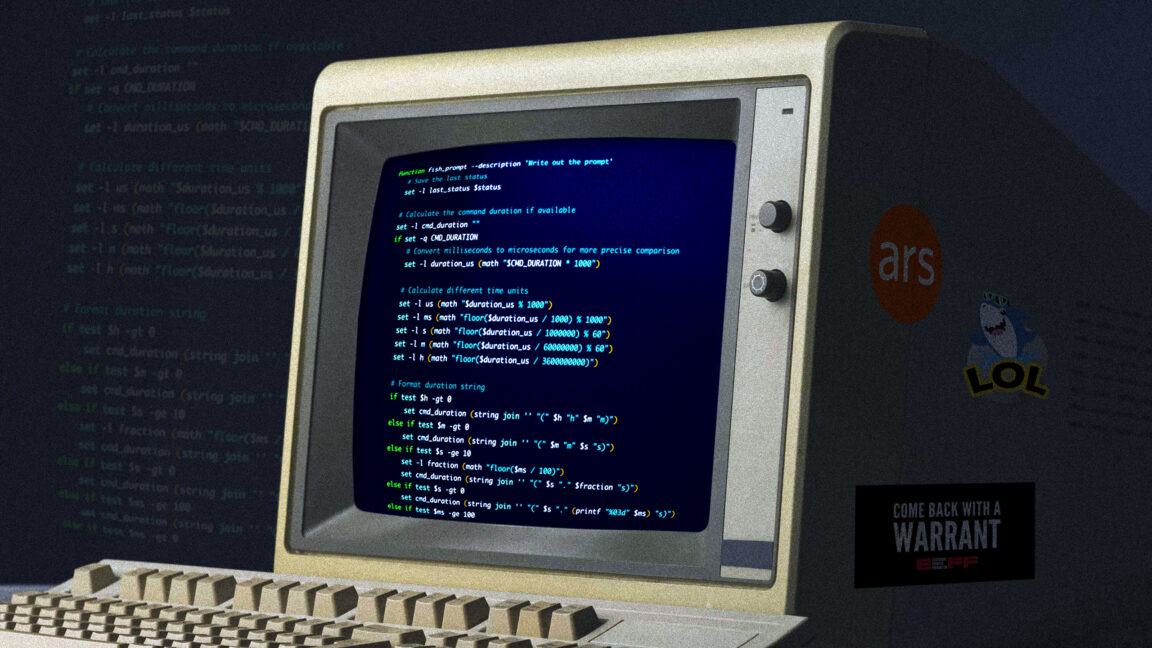
function fish_prompt --description 'Write out the prompt'
    # Save the last status
    set -l last_status $status

    # Calculate the command duration if available
    set -l cmd_duration ""
    if set -q CMD_DURATION
        # Convert milliseconds to microseconds for more precise comparison
        set -l duration_us (math "$CMD_DURATION * 1000")

        # Calculate different time units
        set -l us (math "$duration_us % 1000")
        set -l ms (math "floor($duration_us / 1000) % 1000")
        set -l s (math "floor($duration_us / 1000000) % 60")
        set -l m (math "floor($duration_us / 60000000) % 60")
        set -l h (math "floor($duration_us / 3600000000)")

        # Format duration string
        if test $h -gt 0
            set cmd_duration (string join '' "(" $h "h" $m "m)")
        else if test $m -gt 0
            set cmd_duration (string join '' "(" $m "m" $s "s)")
        else if test $s -ge 10
            set -l fraction (math "floor($ms / 100)")
            set cmd_duration (string join '' "(" $s "." $fraction "s)")
        else if test $s -gt 0
            set cmd_duration (string join '' "(" $s "." (printf "%03d" $ms) "s)")
        else if test $ms -ge 100
            set cmd_duration (string join '' "(" $ms "ms)")
        else if test $ms -gt 0
            set -l fraction (math "floor($us / 100)")
            set cmd_duration (string join '' "(" $ms "." $fraction "ms)")
        else
            set cmd_duration (string join '' "(" $us "us)")
        end
    end

    # Define unicode symbols for status
    set -l checkmark "✓"
    set -l cross "✗"

    # Colors
    set -l normal (set_color normal)
    set -l dark_gray (set_color 555555)
    set -l blue (set_color -o blue)
    set -l red (set_color red)
    set -l green (set_color green)
    set -l purple (set_color -o purple)

    # First line
    echo # New line
    echo -n -s $dark_gray "["(date +%T)"] $last_status " # Time in brackets and exit status

    # Status indicator with exit status
    if test $last_status -eq 0
        echo -n -s $green $checkmark
    else
        echo -n -s $red $cross
    end

    # Actually echo the duration
    echo -n -s $dark_gray " $cmd_duration"

    # Do the rest of the prompt
    echo
    set -l host_color $purple
    echo -n -s $host_color $USER "@" (prompt_hostname) $normal ":" $blue (prompt_pwd) $normal " \$ "
end
A splash of color
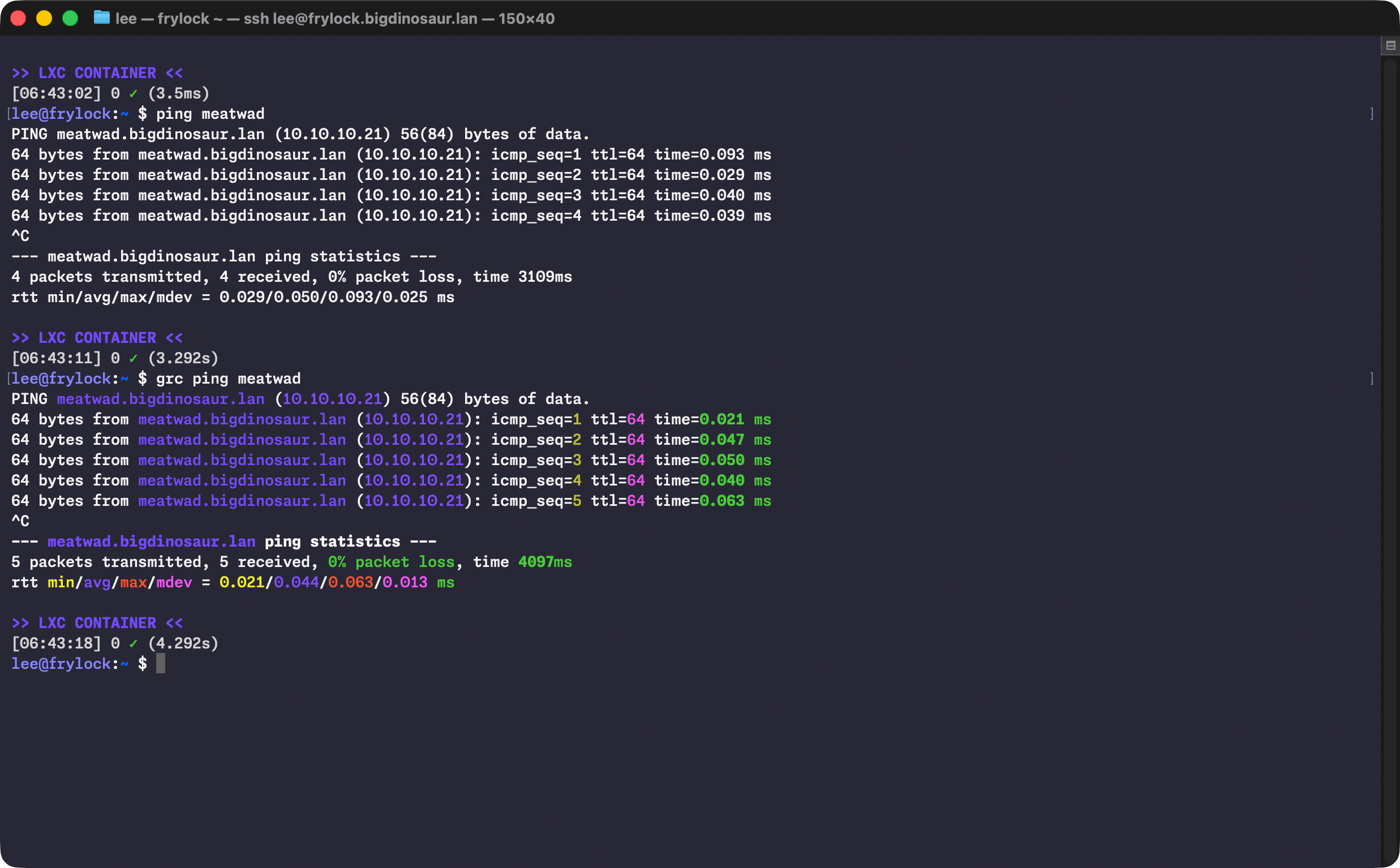
Spending my formative years immersed in ANSI BBS graphics has probably made me a little more fond of colorful text in my terminal than the average frumpy, button-downed admin. Look, I know some folks feel that syntax highlighting and colors in general kill comprehension and encourage skimming, but what can I say? I love them and rely on them. Perhaps I skim too much, but so be it. You can take my colorful shell tools from my cold, dead hands.
To that end, I lean on a little program called GRC (for Generic Colorizer) to add highlighting and coloration to other tools. It’s broadly available and works without any additional configuration.
Lee Hutchinson
Nothing wrong with a little color!
Lee Hutchinson
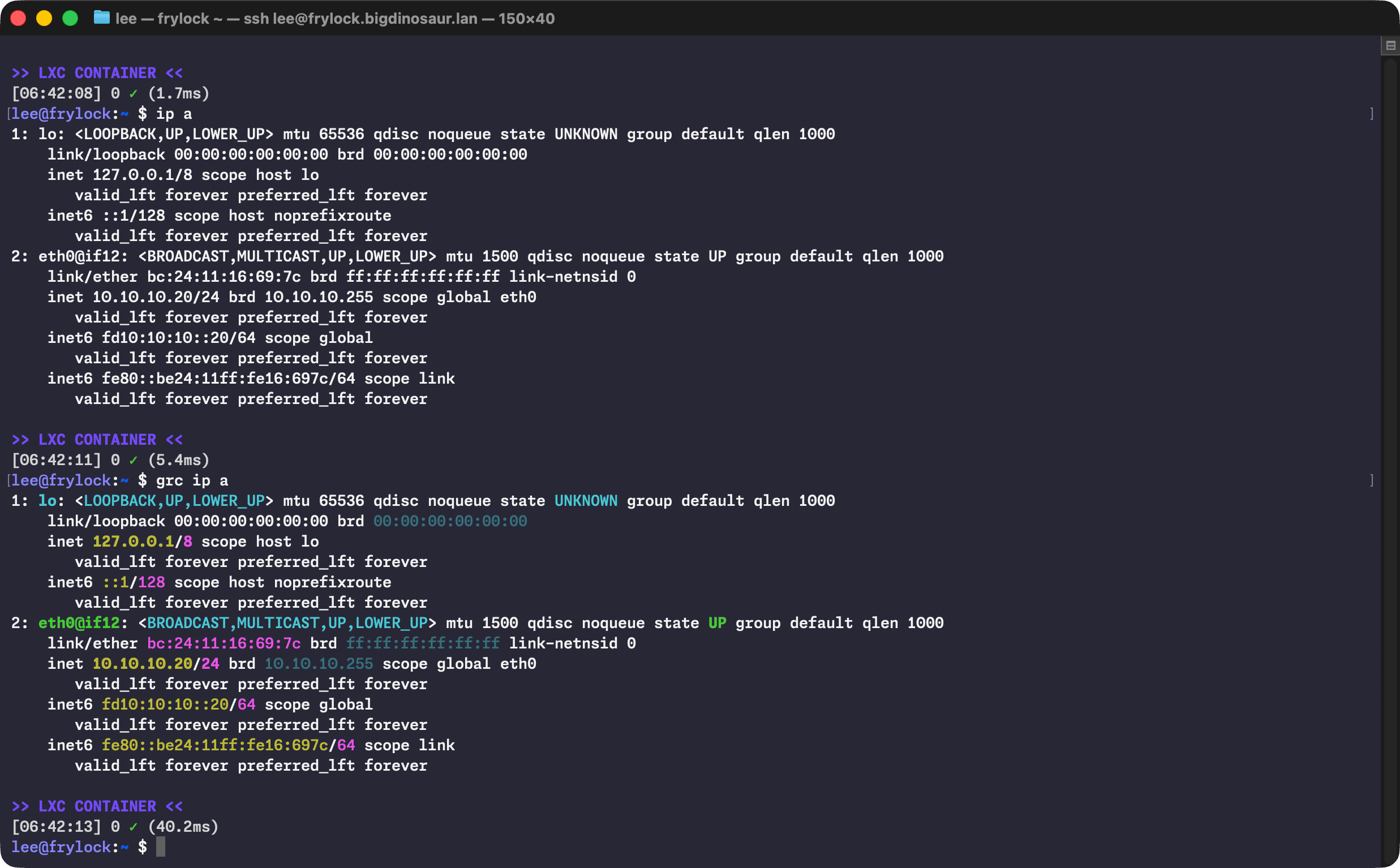
Nothing wrong with a little color!
Lee Hutchinson
There’s a bit of aliasing (which I keep in .bash_aliases like a good citizen) to make colorful output the defaults on some common commands:
    alias ls="ls --color=auto"
    alias ll="ls -AlFh --group-directories-first"
    alias df="grc df -h"
    alias du='grc du -h'
    alias free="grc free -h"
    alias ping='grc ping'
    alias traceroute="grc traceroute"
    alias ip='grc ip'
I’m also a big fan of making my numbers human-readable, and the -h switch is therefore applied liberally.
(Do note that wrapping commands like ip in GRC can sometimes do weird things if you’re piping its output into something else. Use caution. Or don’t! It’s your computer, knock yourself out!)
The terminal itself
Sharp-eyed readers will note from the screenshots that I’m using MacOS’s Terminal.app for my terminal program, despite there being far better options. I suppose the excuse I have is that I’m comfy with Terminal.app and nothing has pulled me off of it. I’ve test-driven the usual suspects—Ghostty, Alacritty, the mighty iTerm2 with its awesome tmux windowing integration, and even fancy new reinterpretations of the terminal experience like Warp.
