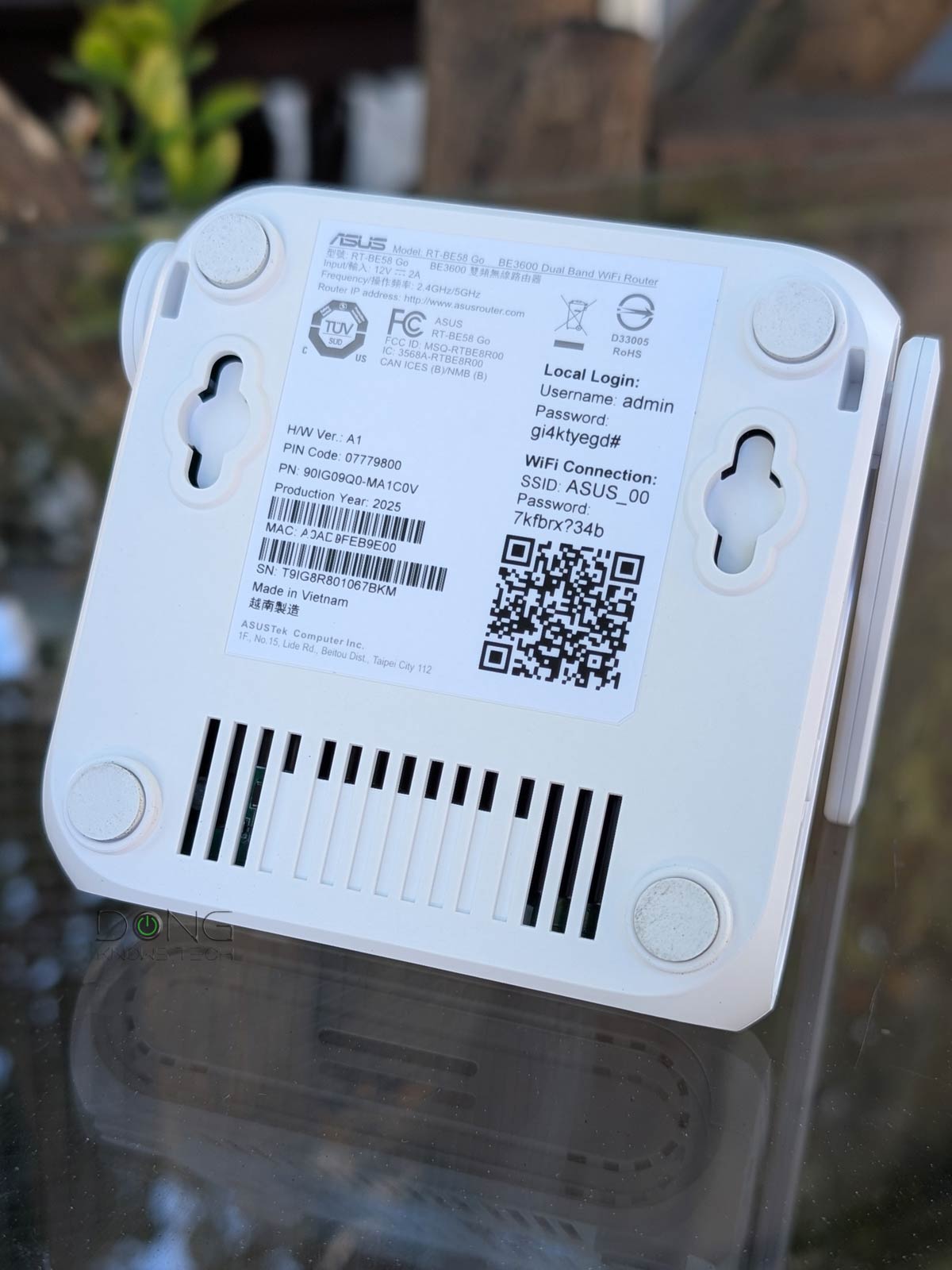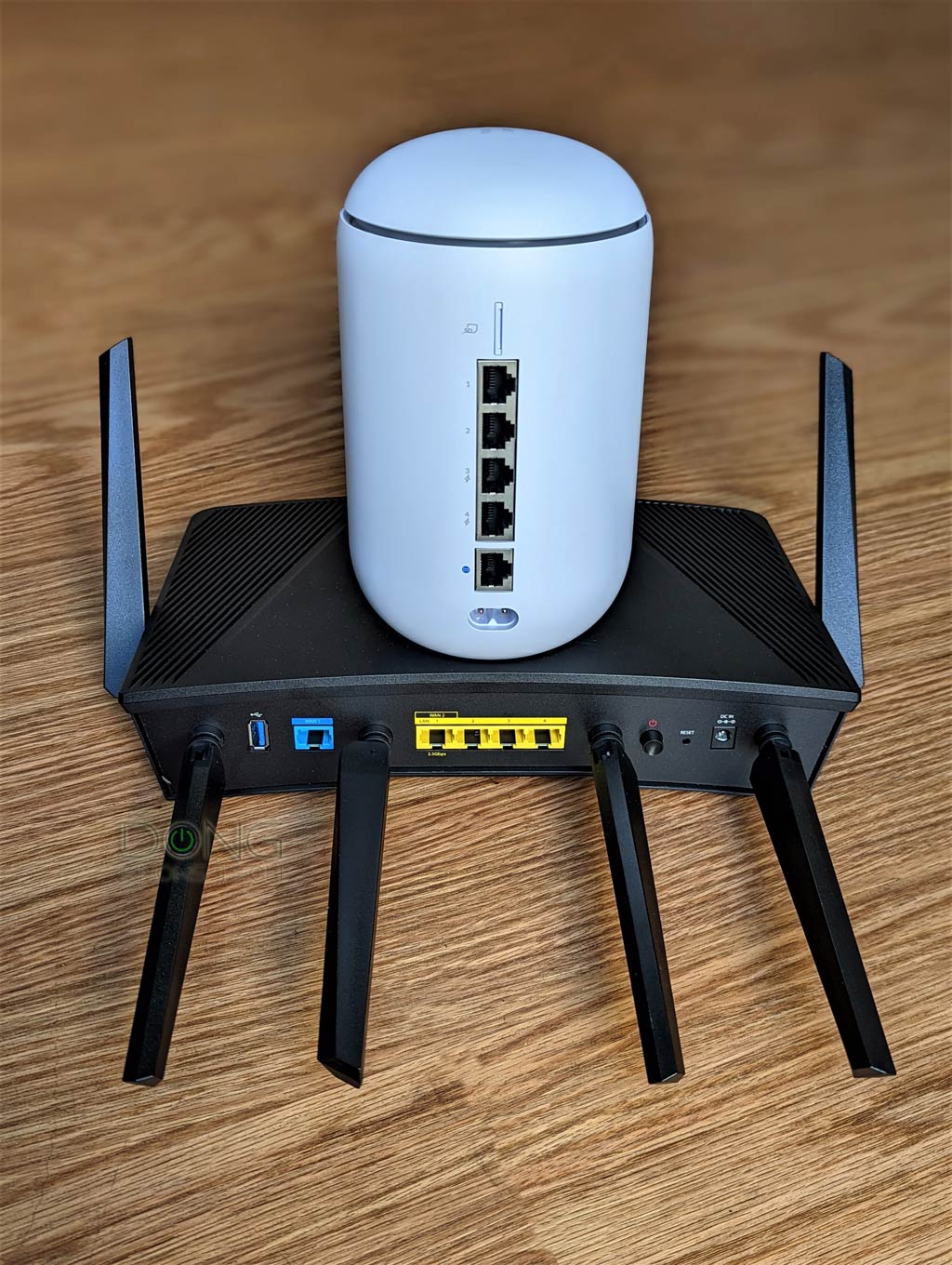

The headline says it. It’s perfectly fine to feel attached to that almost-decade-old Wi-Fi 6 router. In fact, it’s a relevant Wi-Fi standard for at least the next half-decade, possibly longer.
The gist is that, practically speaking, it’s currently the prime time for a Wi-Fi 6 access point—as a standalone unit or integrated into a router or mesh system. That’s, of course, if you don’t have a good reason to replace your current router.
Let’s dig in!
Dong’s note: I first published this post on July 11, 2024, and updated it on April 24, 2026, to add relevant information.

The four reasons to keep Wi-Fi 6 in 2026 and beyond
Wi-Fi 7 has been available for a few years—the standard was officially adopted on January 8, 2024. Since mid-2205, Wi-Fi 8 has been in the pipeline, and the first Wi-Fi 8 router is expected to be available in early 2027.
Naturally, you’ll think Wi-Fi 6 is now “dated”. And you’re not wrong.
However, after three years of wrestling with Wi-Fi 7 and considering the US government’s recent total ban on new foreign-made routers, I find it evident that Wi-Fi 6 is still the best for the time being, despite not being the fastest or the most advanced.
The point is that you shouldn’t replace your current Wi-Fi 6 hardware just because of its Wi-Fi standard. You’ve not been missing out on much.
Wi-Fi 7 has proven to be complicated
It’s worth noting that Wi-Fi 7 (and newer versions) is indeed the future—that’s the inevitability. If you have all modern Wi-Fi devices—those using Wi-Fi 6 or newer—it’s definitely appropriate to get a Wi-Fi 7 router or mesh system. If you’re dead set on that, below is the list of five best Wi-Fi 7 routers, as part of my regularly updated top-five collection.
Here’s the deal, though: If you have legacy Wi-Fi devices—those of Wi-Fi 5 or older—keep in mind that many of them will not work with a Wi-Fi 7 access point due to compatibility issues.
Wi-Fi 7 generally requires devices of the same standard to perform at their best. Even a Wi-Fi 6 device can’t connect using the MLO feature.
And you don’t have all Wi-Fi 7 devices, do you?
Nobody does. Even if you’re willing to buy all-new hardware today, the new standard isn’t yet used in many devices, such as printers, IP cameras, and doorbells. But let’s say you do have all Wi-Fi 7 clients and can get them connected at super-fast speeds. What are you going to do to appreciate the new standard in all of its glory other than speed-testing all day? And is that how we generally use Wi-Fi or the Internet?
And that brings us close to the first reason why Wi-Fi 6 is awesome. But before that, let’s address the elephant in the room: Wi-Fi 6E.
How about Wi-Fi 6E?
By definition, Wi-Fi 6E is not a standard of its own but only an extension of Wi-Fi 6. It’s basically Wi-Fi 6 plus the support for the new 6GHz frequency band. Everything else remains the same.
In Wi-Fi 6E, the support for this new frequency is somewhat disjointed. For one, in most cases, you can’t lump it with the other two—the good old 2.4GHz and 5GHz—in a ” Smart Connect” setup. This new band generally needs its own SSID, with a different name from the one used for the other two.
Most importantly, the 6GHz range is very short and, despite being fast at close range and within line of sight, has proven, in my many reviews, to be borderline useless in homes with walls, which, unfortunately, is the case with all homes.
How the 6GHz band is regulated around the world
The 6GHz band has a total width of 1200 MHz, ranging from 5.925 MHz to 7.125 MHz, and is divided into 59 channels of 20 MHz each. These channels are grouped to create “sub-bands,” which also vary from one region to another.
In the U.S., the FCC has designated four sub-bands across the entire 6GHz spectrum, including UNII-5, UNII-6, UNII-7, and UNII-8, for Wi-Fi use, though portions of the band may be reserved for other applications.
The E.U. Commission allows only the UNII-5 equivalent portion of the frequency band for Wi-Fi use, which is 480 MHz wide, from 5925 MHz to 6425 MHz. Some other parts of the world are somewhere in between, with the UNII-5 portion adopted and the rest being considered.
In other regions, this band may not even be available for Wi-Fi.
Generally, Wi-Fi 6E needs a 160MHz channel to deliver the best performance, and Wi-Fi 7 requires double that, 320MHz. Due to spectrum availability and other constraints, real-world hardware typically uses narrower channels.
Overall, the complicated adoption of the 6GHz frequency is the main reason a Wi-Fi access point (or router) made for one region might not work in another.

The table below shows its current adoption worldwide. The “Considering” portion is generally slated to be finalized eventually, though that varies from one region to another.
| Country | Adopted Spectrum |
|---|---|
| United States | 5925-7125 MHz (entire band including UNII5, UNII-6, UNII-7, and UNII-8) |
| Albania | 5945-6425 MHz (UNII-5) |
| Andorra | 5945-6425 MHz |
| Argentina | 5925-7125 MHz |
| Australia | 5925-6425 MHz |
| Austria | 5945-6425 MHz |
| Azerbaijan | 5925-6425 MHz |
| Bahrain | 5925-6425 MHz |
| Bangladesh | 5925-6425 MHz |
| Belarus | 5945-6425 MHz |
| 5945-6425 MHz | |
| Belgium | 5945-6425 MHz |
| Bosnia and Herzegovina | 5945-6425 MHz |
| Brazil | 5925-7125 MHz |
| Bulgaria | 5945-6425 MHz |
| Burkina Faso | 5945-6425 MHz |
| Canada | 5925-7125 MHz |
| Chile | 5925-6425 MHz |
| Colombia | 5925-7125 MHz |
| Costa Rica | 5925-7125 MHz |
| Croatia | 5945-6425 MHz |
| Cyprus | 5945-6425 MHz |
| Czech Republic | 5945-6425 MHz |
| Denmark | 5945-6425 MHz |
| Dominican Republic | 5925-7125 MHz |
| Egypt | 5925-6425 MHz |
| El Salvador | 5925-7125 MHz |
| Estonia | 5945-6425 MHz |
| European Union | 5945-6425 MHz |
| Faroe Islands | 5945-6425 MHz |
| Finland | 5945-6425 MHz |
| France | 5945-6425 MHz |
| Georgia | 5945-6425 MHz |
| Germany | 5945-6425 MHz |
| Gibraltar | 5945-6425 MHz |
| Greece | 5945-6425 MHz |
| Guatemala | 5925-7125 MHz |
| Honduras | 5925-7125 MHz |
| Hong Kong | 5925-6425 MHz |
| Hungary | 5925-6425 MHz |
| Iceland | 5945-6425 MHz |
| India | 5945-6425 MHz |
| Ireland | 5945-6425 MHz 6425-7125 MHz |
| Isle of Man | 5945-6425 MHz |
| Italy | 5945-6425 MHz |
| Japan | 5925-6425 MHz 6425-7125 MHz |
| Jordan | 5925-6425 MHz |
| Kazakhstan | 5925-7125 MHz |
| Kenya | 5925-6425 MHz |
| Latvia | 5925-6425 MHz |
| Liechtenstein | 5945-6425 MHz |
| Lithuania | 5945-6425 MHz |
| Luxembourg | 5945-6425 MHz |
| Macao | 5945-6425 MHz |
| Macedonia | 5945-6425 MHz |
| Malaysia | 5925-6425 MHz |
| Malta | 5925-6425 MHz |
| Mauritius | 5925-6425 MHz |
| Mexico | 5925-6425 MHz |
| Moldova | 5925-6425 MHz |
| Monaco | 5945-6425 MHz |
| Montenegro | 5945-6425 MHz |
| Morocco | 5925-6425 MHz |
| Namibia | 5925-6425 MHz |
| Netherlands | 5945-6425 MHz 6425-7125 MHz |
| New Zealand | 5925-6425 MHz |
| Norway | 5945-6425 MHz |
| Pakistan | 5945-6425 MHz |
| Paraguay | 5925-6425 MHz |
| Peru | 5925-7125 MHz |
| Philippines | 5925-7125 MHz |
| Poland | 5925-7125 MHz |
| Portugal | 5945-6425 MHz 6425-7125 MHz |
| Qatar | 5925-6425 MHz |
| Romania | 5925-6425 MHz |
| Russian Federation | 5925-6425 MHz |
| San Marino | 5925-6425 MHz |
| Saudi Arabia | 5925-7125 MHz |
| Singapore | 5925-6425 MHz |
| Slovakia | 5925-6425 MHz |
| Slovenia | 5925-6425 MHz |
| South Africa | 5925-6425 MHz |
| South Korea | 5925-7125 MHz |
| Spain | 5945-6425 MHz |
| Sweden | 5945-6425 MHz |
| Switzerland | 5945-6425 MHz |
| Thailand | 5925-6425 MHz |
| Togo | 5925-6425 MHz |
| Tunisia | 5925-6425 MHz |
| Turkey | 5925-6425 MHz |
| Ukraine | 5925-6425 MHz |
| United Arab Emirates | 5925-6425 MHz |
| United Kingdom | 5945-6425 MHz |
| Holy See (Vatican City State) | 5945-6425 MHz |
| Vietnam | 5945-6425 MHz |
The gist is that Wi-Fi 6E is Wi-Fi 6 at heart. While it doesn’t hurt to have the 6GHz band, it’s also perfectly fine to ignore it, since it tends to complicate things. So, if you find a great Wi-Fi 6E router, like one of those on the list below, treat it as an excellent Wi-Fi 6 router.
With that, let’s return to the first reason Wi-Fi 6 is awesome.
1. Wi-Fi 6 has the best support for existing and new clients
Via extensive real-world Wi-Fi testing, it’s evident that newer isn’t always better when it comes to compatibility.
Specifically, Wi-Fi receivers (a.k.a. clients or devices) often work better with a Wi-Fi access point (standalone or housed in a router) of the same or an older standard than with one of a newer standard. The further away in generations, the worse things become.
For example, a Wi-Fi 4 client generally gets a faster connection speed from a Wi-Fi 4 router than a Wi-Fi 5 or Wi-Fi 6 access point of the same tier, and it can’t even connect to a Wi-Fi 7 access point.
However, the other way around is hardly an issue. You can connect a Wi-Fi 7 client to a Wi-Fi 4 or even older point, at the maximum supported performance.
In other words, Wi-Fi backward compatibility is often a concern on the broadcasting end, not the receiving end. Specifically, the older the Wi-Fi standard of an access point, the less likely it is to have compatibility issues.
And that put Wi-Fi 6 in the best spot. It’s the middle, mostly one-gen-apart-in-either-direction dual-band standard that has the best support for clients of Wi-Fi 4 (available mainly on the 2.4Ghz band) and Wi-Fi 5 (available only on the 5GHz band). Additionally, Wi-Fi 6 and Wi-Fi 7 clients can always connect at Wi-Fi 6’s maximum speed.
In terms of security, Wi-Fi 6 is the only standard that features all authentication methods, ranging from WEP to WPA3—Wi-Fi 7 hardware and newer generally only supports WPA2 and newer.

Wi-Fi standards in brief
| Standard (name) |
Debut Year | Channel Width (in MHz) and Theoretical Speed (in Mbps) per Stream (rounded numbers) |
Max Number of Streams Used in Clients (Max Speed Theoretical(•) /Real-world) |
Security | Bands | Status (as of 2026) |
| 802.11b | 1999 | 20MHz/11Mbps | Single-stream or 1×1 (11Mbps/≈6Mbps) |
Open WEP |
2.4GHz | Obsolete |
| 802.11a | 2000 | 20MHz/54Mbps | 1×1 (54Mbps/≈30Mbps) |
Open WEP |
5GHz | Obsolete |
| 802.11g | 2003 | 20 MHz/54Mbps | 1×1 (54Mbps/≈35Mbps) |
Open WEP |
2.4GHz | Obsolete |
| 802.11n (Wi-Fi 4) |
2009 | 20MHz/75Mbps 40MHz/150MBps |
Quad-stream or 4×4 (600Mbps/≈400Mbps) |
Open WEP WPA |
2.4GHz, 5GHz, Dual-band |
Legacy |
| 802.11ac (Wi-Fi 5) |
2012 | 20MHz/108Mbps 40MHz/217Mbps 80MHz/433Mbps |
4×4 (1732Mbps/≈1000Mbps) |
Open WPA WPA2 |
5GHz, Dual-band, Tri-band(••) |
Legacy |
| 802.11ad (WiGig) |
2015 | 2.16GHz/multi-Gigabit | n/a | Open WPA WPA2 |
60 GHz | Limited Use |
| 802.11ax (Wi-Fi 6) |
2019 | 20MHz/150Mbps 40MHz/300Mbps 80MHz/600Mbps 160MHz/1200Mbps |
Dual-stream or 2×2 (2402Mbps/≈1500Mbps) |
Open WPA WPA2 WPA3 |
2.4GHz 5GHz Dual-band, Tri-band(••), |
Common |
| 802.11axe (Wi-Fi 6E) |
2021 | 20MHz/150Mbps 40MHz/300Mbps 80MHz/600Mbps 160MHz/1200Mbps |
2×2 (2402Mbps/≈1500Mbps) |
OWE WPA3 |
6GHz, Dual-band, Tri-band, Quad-band(••) |
Common |
| 802.11be (Wi-Fi 7) |
2023 | 20MHz/225Mbps 40MHz/450Mbps 80MHz/730Mbps 160MHz/1.45Gbps 320MHz/2.9Gbps |
2×2 (5800Mbps/≈3000Mbps) |
OWE WPA3 |
6GHz, 5GHz, 2.4GHz, Dual-band, Tri-band, Quad-band(•••) |
Common |
| 802.11ah (Wi-Fi HaLow) |
2024 | 1MHz 2MHz 4MHz 8MHz 16MHz |
(40Mbps to 150Mbps) | OWE WPA3 |
900MHz | Emerging |
| 802.11bn (Wi-Fi 8) |
2028 (estimate) |
The same as Wi-Fi 7 in terms of theoretical bandwidth (likely with higher real-world rates), frequencies, and security. | Upcoming | |||
(•) The absolute theoretical bandwdith of the band or speed of a connection to a single client in an ideal connection before interference, signal degradation, and hardware incompatibility are taken into account. Depending on the number of streams and channel width in use, this theoretical ceiling speed is generally lower, often by a factor of two. Discount this ceiling number by another 30% or 60% to get real-world bandwdith, then divide it by the concurrent clients to get the real-world sustained rates.
(••) The 5GHz band is split into two portions as sub-bands.
(•••) The 5GHz or 6GHz band is split into two portions as sub-bands.
So, if you have a Wi-Fi 6 router, chances are you’ll have no problem getting your home of mixed devices (old and new Wi-Fi standards) connected at the (close to) best possible performance.
Speaking of performance, that brings us to the second reason why Wi-Fi 6 is great for the time being.
2. Wi-Fi 6 has the real-world speeds you need
On paper, Wi-Fi 6 can deliver up to 600Mbps to a quad-stream (4×4) Wi-Fi 4 client, up to 1.7Gbps to a 4×4 Wi-Fi 5 client, and up to 2400Mbps to a 2×2 Wi-Fi 6 or Wi-Fi 7 client. Depending on Wi-Fi specs, distance, and overhead, the actual rates are generally lower, but that’s still plenty fast.
Wi-Fi Bands vs. Channels vs. Streams
Wi-Fi uses three frequency bands: 2.4GHz, 5GHz, and 6GHz. The width of each band is measured in MHz—the wider the band, the more MHz it has. Depending on local regulations, only a section or sections of a band may be used for Wi-Fi.
In real-world usage, the Wi-Fi-allowed section of each band is divided into multiple smaller portions, called channels, of different fixed widths. Depending on the Wi-Fi standards and bands, a channel can be 20MHz, 40MHz, 80MHz, 160MHz, 240MHz, or 320MHz wide. The wider a channel is, the more bandwidth it has. The number of channels in each Wi-Fi band varies depending on the channel width and the width of the Wi-Fi-allowed section of the band.
Data moves in one channel of a particular band at a time, using streams, often dual-stream (2×2), three-stream (3×3), or quad-stream (4×4). The more streams, the more data can travel simultaneously. Thanks to the ultra-high bandwidth per stream, Wi-Fi 6 and later tend to have only 2×2 clients.
Here’s a crude analogy:
If a Wi-Fi band is a freeway, channels are lanes, and streams are vehicles (bicycles, cars, buses). On the same road, you can combine multiple adjacent standard lanes (20MHz) into a larger one (40 MHz, 80 MHz, or higher) to accommodate oversized vehicles (a higher number of streams) that carry more goods (data) per trip (connection).
A Wi-Fi connection generally occurs on a single channel (lane) of a single band (road) at a time. The actual data transmission is always that of the lowest denominator—a bicycle can carry just one person at a relatively slow speed, even when used on a super-wide lane of an open freeway.
Below are charts showing the real-world sustained rates of various Wi-Fi 6 routers when hosting clients of different standards, with one Wi-Fi 7 router as a reference. If you take the 6GHz band out of the equation, you’ll note that a Wi-Fi 7 router isn’t much faster than its Wi-Fi 6 counterparts, especially when hosting Wi-Fi 6 or older clients.


As shown, aside from the 2.4GHz band, which has always been slow, the speeds of these Wi-Fi 6 routers on the 5GHz bands, which range from 300 Mbps to Gig+, are more than fast enough for all online applications.
Most importantly, you’ll note that the ZenWiFi BQ16 Pro, currently one of the best Wi-Fi 7 mesh routers, didn’t perform significantly better (and was actually worse in a few cases) than Wi-Fi 6 routers. The only time it was decidedly faster was when it hosted Wi-Fi 7 (BE) clients.
Here’s the thing: most of the time, anything faster than 100Mbps is enough, and generally, starting from the 300Mbps or 500Mbps mark, faster speeds yield no benefits unless you need to copy a large amount of data between computers locally.
Coincidentally, 300Mbps to 500Mbps is the range of popular fast residential broadband. If you have a Gigabit-class Internet connection, a high-end Wi-Fi 6 router with a couple of Multi-Gig ports is all you need to enjoy it at full speed.
In terms of bandwidth, 2.5Gbps is generally the threshold at which you start “needing” Wi-Fi 7, but other file-transfer or online applications require this level of bandwidth.
And Wi-Fi 6 is an excellent standard for home Wi-Fi mesh systems, too.
3. Wi-Fi 6 is great for home mesh systems
It’s fair to say Wi-Fi 6 is the reason behind the boom in home mesh systems, as it’s the first standard with enough wireless bandwdith to deliver fast enough speeds in homes without wiring.
Wi-Fi 6 offers a tri-band configuration, with the extra 5GHz band serving as dedicated backhaul. On this front, many tri-band Wi-Fi 6 mesh sets, shown below, feature the UNII-4 band to have an effective mesh backhaul regardless of the environment.
Tested Wi-Fi 6 hardware with UNII-4:
That said, Wi-Fi 6 offers the best return on investment. And that brings us to the final reason to consider getting new Wi-Fi 6 hardware today.
4. Wi-Fi 6 hardware now costs precisely what it’s worth, possibly even less
Since early 2023, the cost of Wi-Fi 6 routers has steadily decreased, and by now most are excellent deals. The standard has reached the point of being underrated.
Additionally, you can always buy refurbished or used units at great discounts.
The point is that Wi-Fi 6 gives you slightly more than what you need at a reasonable cost. It features Gig+ wireless speeds and advanced security, while also natively supporting legacy Wi-Fi 5 and Wi-Fi 4 devices.
For the time being and the foreseeable future, Wi-Fi 6 is the sweet spot of local wireless connectivity. It’ll take Wi-Fi 7 another five years or even a decade to replace Wi-Fi 6, just as Wi-Fi 6 has been slowly replacing Wi-Fi 5—a process that’s far from over. And that’s just the way it is.
The takeaway
You’re reading this on a webpage, and as long as the page loads quickly—which I’m pretty sure it does—it makes no difference what type of connection you’re using, whether it’s cellular, Wi-Fi 4, Wi-Fi 6, Wi-Fi 7, or via a network cable. And nobody cares.
The point is that getting connected is a practical matter at hand that carries no badge of honor, a mark of shame, or anything in between.
The only things that matter are the information you exchange and how much you pay for the privilege. Having the equipment that can exchange an enormous amount of information at once does not mean you’ll automatically have more to give or receive. Often, once you reach a certain amount, you’re done for the day.
During these uncertain times, it’s best to stick with what’s proven to work well and doesn’t cost an arm or a leg. For the time being, Wi-Fi 6 is the standard that offers the best combination of speed, compatibility, and cost.