

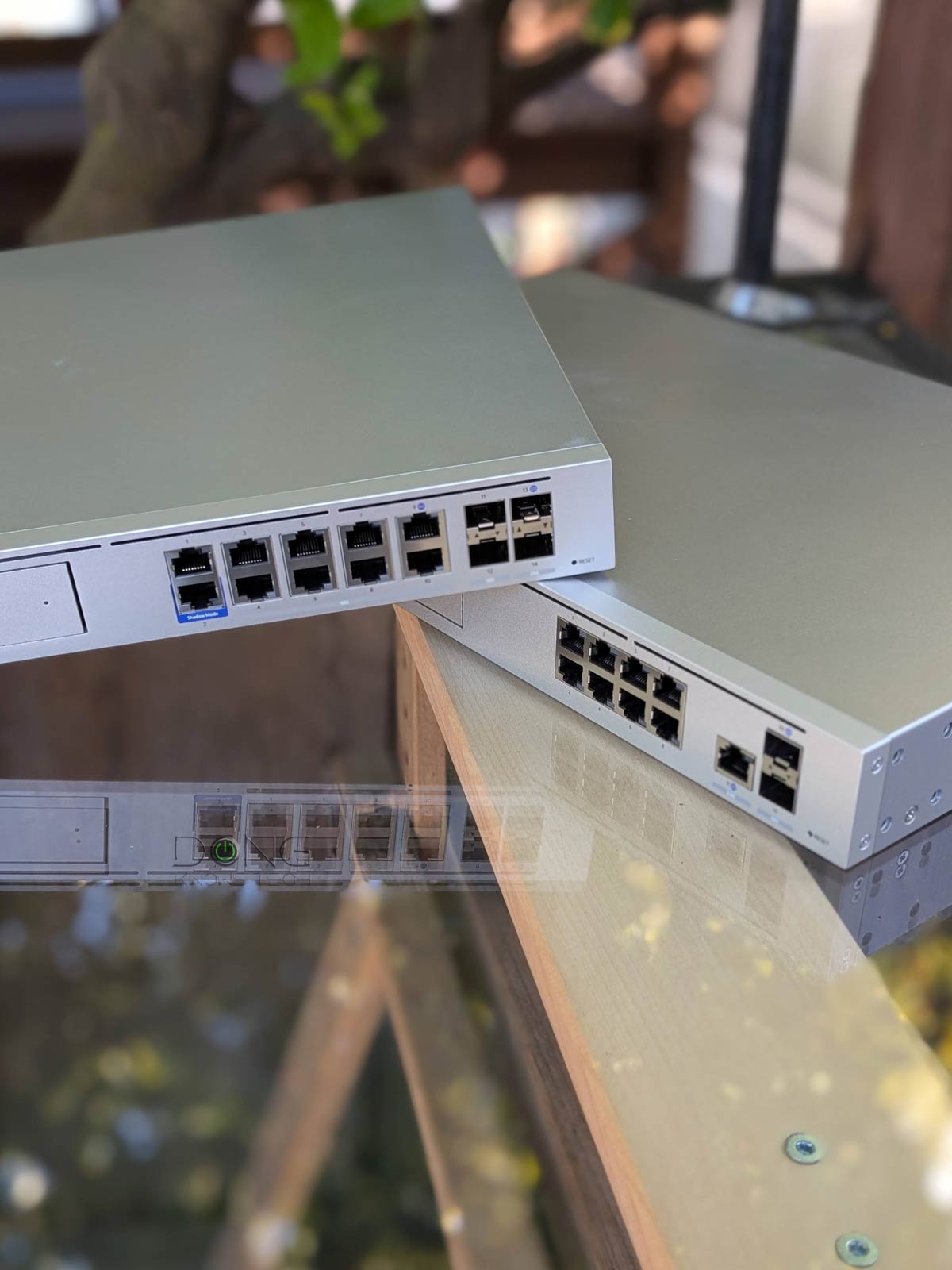

In this post, you’ll find the five best current non-Wi-Fi UniFi Cloud Gateways (a.k.a. “UniFi routers”). Pick one as the first device to host your network. Then you can add one or a few UniFi Wi-Fi access points and switches, if needed, to scale up the system to suit your needs.
I’ve used all of these devices extensively, and I’m still using most of them at various locations. That said, I will also include tips on which UniFi switches or access points to pair with them, depending on your broadband speed. In any case, make sure your home is wired, or get ready to run a few network cables.


Ubiquiti Non-Wi-Fi UniFi Cloud Gateways: Much more than simple “routers”
When it comes to building a serious network, Ubiquiti’s hardware is among the best, if not the best. That’s partly because, in recent years, its UniFi ecosystem has become relevant and well-suited to all user demographics, from the home to the enterprise.
The five UniF Cloud Gateways below are suited for home and SMB environments. Again, they are non-Wi-Fi “routers”, which are the best way to build a robust Wi-Fi network from scratch.
While all UniFi Cloud Gateways can work interchangeably, the ones mentioned here are “container” devices and can do much more than a standard router—they differ in their hardware specs and designs. So, picking the right one for your situation is the key.
UniFi Cloud Gateways in a nutshell
A UniFi console is always a container device that runs UniFi OS plus one or more UniFi applications, with Network being the most significant — the primary app.
However, not every UniFi console is equipped with this app. Network-enabled UniFi consoles are called “UniFi Cloud Gateways” (UCGs) and include the UniFi Dream series, such as Dream Machine (UDM) or Dream Wall (UDW) — all of which are UniFi “routers” if you prefer to call them that way.
A few UCGs have just this Network app — they are Network-only UniFi consoles. Most UCGs can host additional applications to qualify as a multi-app, Network UniFi consoles.
All UniFi Cloud Gateways (a.k.a. Network-enabled UniFi consoles) share the same basic features and settings. However, their capacities — specifically, the number, breadth, and depth of UniFi applications they can handle simultaneously — vary with hardware specifications.
The following are the current UniFi applications, with the first six belonging to the original UniFi Application Suite:
- Network (primary): This application enables the hardware to function as an advanced router, thereby qualifying it as a “UniFi Cloud Gateway” (UCG). This app handles all network-related aspects, including security, firewalls, access points, Wi-Fi system management, and more. On a UCG, the Network app is the default and can’t be uninstalled.
- Protect: The support for IP cameras as an advanced surveillance system, including a built-in UniFi Network Video Recorder (UNVR) of a UniFi console. Protect is the default app of a standalone UNVR. Generally, a standalone UNVR is a multi-app, non-Network console that can also host the Access and InnerSpace applications, but it’s often classified as a “Protect-only UniFi console”.
- Talk: A locally hosted Voice-over-IP system.
- Access: A “platform designed for Access Control Systems” — per Ubiquiti. Examples include door-related security IoT devices such as doorbells, key fobs, and locks.
- Connect: Application that manages digital signage and EV Stations
- InnerSpace: A visualization tool that allows users to map out their UniFi network by uploading floor plans, drawing walls, etc., for the deployment of UniFi devices.
- Drive: The latest app that turns a UniFi console into a UniFi network-attached storage (NAS) server, known as a UNAS. Generally, a UNAS server is a single-app non-Network UniFi console — it’s a “Drive-only UniFi console”.
Each of these applications is a world in itself, with various in-depth customizations, and some require UniFi devices to function as intended.
Best non-Wi-Fi UniFi Cloud Gateways: 2026’s current top-five list
The list is sorted by rating, with the highest at the top, but any of them will be best for your case, depending on your needs.
1. UniFi Cloud Gateway Fiber (UCG-Fiber): The best consumer-friendly non-Wi-Fi router for a top-tier 10 Gbps network

The UCG-Fiber is currently the best compact console for a home or small office. It features three 10Gbps ports, five 2.5Gbps ports, and one PoE+-capable port. As a result, it’s a perfect non-Wi-Fi router that can host an access point right out of the box, preferably the U7 Pro Max, U7 Pro XGS, or one that supports PoE+ (or PoE).
The gateway comes with an integrated SSD slot for storage, hosting data for its many UniFi applications.
If you need more 10Gbps ports for your network, the Switch Pro XG 8 PoE is the ideal choice to couple with the UCG-Fiber. In this case, thanks to the switch’s PoE++ support, you can also opt for higher-end UniFi access points, such as the U7 Pro XGS, U7 Pro Max, or even the ultimate E7.
Pros
Top-tier hardware with three 10Gbps ports, four 2.5GBASE-T ports, PoE+ support, and an NVMe slot for NVR
Excellent and reliable real-world performance; can handle lots of concurrent UniFi devices (Wi-Fi access points, cameras, IP phones, etc.) and end-users
Compact and aesthetically pleasing design with everything for all users, from home to enterprise-grade
Lots of valuable features, each with tons of customization, comparatively affordable
Cons
Only one PoE+ port, no PoE++ support; SFP+ ports are less practical than 10GBASE-T
A Ubiquiti login account is required for the built-in Remote Management, as well as some other useful features, to work
Runs a bit warm, no SSD caddy is included in the non-storage version; no USB port or network-attached storage features
2. UniFi Cloud Gateway Beast (UDM-Beast): The ultimate future-proofing non-Wi-Fi router

The UDM-Beast, as the name suggests, is by far the most powerful non-Wi-Fi router for home and SMB use. In fact, it’s overkill in virtually all situations thanks to its ten 10Gbps ports, two 25Gbps ports, two drive bays, and a vast amount of power, enough to support thousands of concurrent users.
It’s so powerful that you won’t know what to do with it, but you’ll love it. In other words, it’s not something that you’d need, but you sure want it, that is, if you have room and budget for it.
When you want to expand the network, keep the following in mind:
- Switches: The gateway has plenty of ports, but none of them support PoE. That said, you will likely need PoE injectors or switches to support more UniFi devices, such as Wi-Fi access points. On this front:
- PoE power and port grade: Pick one with the same or higher PoE standard and port grade as the UniFi device you’re adding.
- Uplink: Considering the console has plenty of 10Gbps ports, any switch with a 10GbE uplink is fine, though those with SFP+ or even 25Gbps SFP28 uplinks are ideal. Specifically, Ubiquiti’s 2025 XG lineup, such as the Pro XG 8 PoE, is a good fit.
- UniFi Devicapplies tos points and others): Depending on the switch or injector you have, you can use any of these UniFi Wi-Fi 7 access points with it. The same applies to other UniFi devices, though most UniFi cameras only require a Gigabit port and the lowest PoE level.
Pros
Top-notch, future-proofing hardware specs with ten 10GbE ports and two 25Gbps ports to deliver excellent real-world performance
A complete set of useful networking features — powerful security/web-filtering, versatile VPN support, SD-WAN, Multi-WAN, to name a few — handled by top-notch processing power
Robust web-based user interface, useful and comprehensive mobile apps, generally easy to use
Dual-drive support with RAID 1, top-capacity built-in UniFi NVR, no subscription required
Cons
A Ubiquiti login account is required for some useful features to work
No PoE ports, comparatively high power consumption
3. UniFi Cloud Gateway Max (UCG-Max): The best non-Wi-Fi router for an entry-level Multi-Gig (2.5Gbps) network
The UCG-Max is a tier lower than the UCG-Fiber above, but it’s still a formidable non-Wi-Fi router. In fact, it’s the best for those with 2.5Gbps or slower broadband. It, too, has a similar SSD slot for internal storage.
If you’re looking for a UniFi access point to pair with it, keep in mind you’ll need a PoE switch or an injector. In this case, get a switch that supports the AP’s PoE standard. Considering the gateway has only a 2.5Gbps port, the Enterprise 8 PoE or any of these is a good choice. After that, the U7 Pro, U7 Pro Max, or U7 Pro XG, or any of these, is a great access point to match.
Pros
Excellent entry-level Multi-Gig (2.5Gbps) performance for a comparatively low cost
Compact and aesthetically pleasant design with powerful hardware to handle a home or small business network via multiple simultaneous enterprise-class applications
A complete set of useful networking features, including powerful security/web-filtering and WireGuard VPN; excellent web user interface; useful mobile apps
No subscription is required
Cons
No 10Gbps ports or built-in PoE
Extra features require a UI login account
Runs a bit warm, no SSD caddy is included in the non-storage version
4. UniFi Dream Machine Pro Max (UDM-Pro-Max): The just-right non-Wi-Fi, non-PoE router
The UDM-Pro-Max is a more tame version of the Beast above. It shares a similar design and the number of drive bays, but is much inferior in port grade — two 10Gbps ports and one 2.5Gbps, plus plenty of Gigabit ports — and processing power. Still, it has more than enough for any home or SMB and comes with a price tag that won’t dig a hole in your wallet.
The UDM-Pro-Max shares the same switch and UniFi options as the UDM-Beast above, except for the SFP28 uplink, which it doesn’t have.
Pros
Robust hardware to handle large-scale networks via multiple simultaneous enterprise-class applications; excellent overall performance
A complete set of useful networking features, including powerful security/web-filtering and WireGuard VPN; excellent web user interface; useful mobile apps
Dual drive support with RAID 1; no subscription required; runs relatively cool and quiet
Cons
Bulky design with only two SFP+ (10Gbps) and one 2.5GBASE-T ports, no 10GBASE-T port, no PoE support
A Ubiquiti login account is required for some useful features to work
5. UniFi Dream Machine Special Edition (UDM-SE): The ideal non-Wi-Fi, PoE-enabled router
In a way, the UDM-SE is the predecessor of the UDM-Pro-Max above. It has the same number of network ports and port grade, but comes with just one drive bay for storage. In return, it includes two PoE+ ports and six PoE ports, meaning it’s ready to host plenty of UniFi devices (access points, cameras, etc) right out of the box.
If you’re happy with Gigabit as the max bandwdith for your Wi-Fi, there’s no need to think of a switch. However, if you want more bandwdith, use the same switch selection as the UDM-Pro-Max above.
Pros
Powerful enough to run all of Ubiquiti’s business hardware segments simultaneously
Reliable and fast multi-Gigabit performance with robust Dual-WAN support
A complete set of useful networking features, including powerful security/web-filtering and WireGuard VPN; excellent web user interface; useful mobile apps
Built-in PoE support; comparatively affordable; no subscription required; quiet
Cons
Single Multi-Gig (2.5GBASE-T) port; limited multi-Gigabit LAN options; no PoE++
A Ubiquiti login account is required for the built-in Remote Management, as well as other features, to work
Non-Wi-Fi UniFi Cloud Gateway: The final tips
All of these “routers” can host standard Wi-Fi access points. However, if you build a network from scratch, it’s best to use UniFi hardware, as you can control everything as a system. Below is the current top 5 for different situations, out of all UniFi access points I’ve tested.
If you’re currently using a third-party mesh Wi-Fi system, such as those from TP-Link, Asus, or Netgear, you can use it on top of one of these non-Wi-Fi UniFi Cloud Gateway in the access point (AP) mode. Now, you’ll still have a robust network with the Wi-Fi coverage you’re accustomed to, with the option to transition fully to the UniFi ecosystem by replacing them with UniFi access points in the future.
