


Automation isn’t here to steal your job. More likely, a range of solutions will take on the mundane, freeing you up to focus on what’s important.
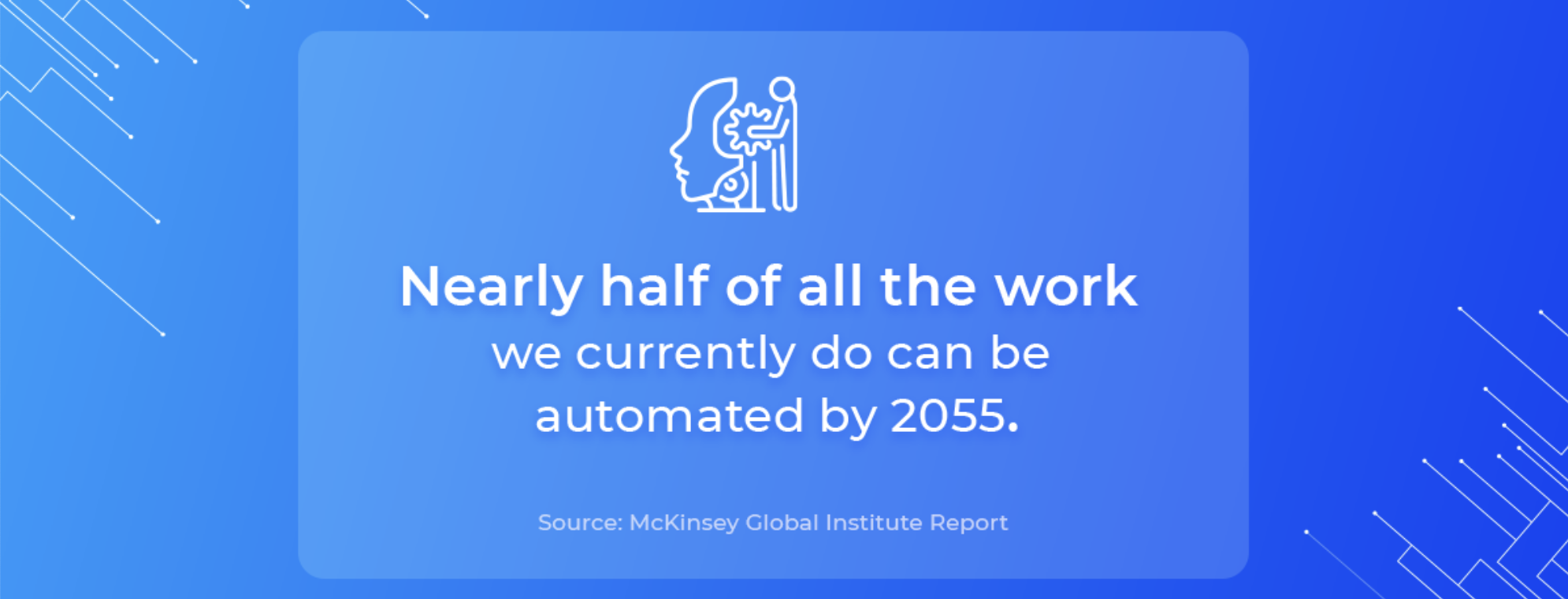
One McKinsey study suggests that 60% of occupations could free nearly a third of their time if employees started using the appropriate software. Which begs the question: what tasks could you automate with the right technology?
Lead generation and paperwork approval are two areas with proven solutions, while optical character recognition software is transforming how businesses approach document classification.
— ‘Optical… what?’ we hear you ask.
Well, there’s no better place to kick off today’s article, so let’s start there.
What Is Optical Character Recognition?
Optical Character Recognition (OCR, for short) is software that converts images of written or printed text into machine-encoded files.
Say you have a handwritten tax return that you want in a digital format. OCR can port the text from the document to a computer screen without any manual work. But the software also works in other contexts.
The image recognition capabilities can extract data from photos, printed records, passports, bank statements, invoices, business cards, even subtitles from a screenshot of video content. In truth, the sky’s the limit.
And the technique is remarkably accurate: one DLabs.AI project achieved a 94% error-free rate using a dedicated OCR system.
Now, several clients are integrating OCR solutions — because they are:
Simple To Manage
Once an OCR system has scanned a document, anyone with access to a database can see it. That’s why banks use OCR to make records, like customer tax histories, visible to employees.
Easy To Edit
Digitized documents aren’t static. You can edit them like a Word doc using a built-in processor. And accountants often use this process to amend self-assessment tax forms.
Quick To Search
Scanned files are convertible into machine-readable formats (txt, doc, pdf), meaning you can find terms by searching for keywords, which authorities use to check names on a list.
Highly Secure
OCR not only helps you digitize paper documents. It lets you store sensitive data in a secure location. And that’s why financial advisors often use it to manage client records.
***
But as we said, OCR can serve all sorts of purposes.
We’ve used it on projects to enable automated document classification (as well as invoice classification): manual tasks that take time, are prone to human error — and that, frankly, a machine can do better.
But ‘What is document classification?’ And ‘How does it work?’ These are two questions we’ll tackle next.
What Is Document Classification?
Document classification is the process of arranging documents in classes or categories so that a person or company knows how to handle them.
A customer services team might use document classification to ensure incoming support tickets go to the right individual. An accounting firm might use invoice classification to assign expenses to the correct department.
Now, you can do this manually.
But that would mean an individual — or an entire team — running through pages of text to label the elements with the appropriate tag. And as you can imagine, this process at scale would be time-consuming, error-prone, and expensive.
That’s why organizations turn to AI-based document classification, using a combination of OCR, machine learning, and natural language processing to auto-sort documents into predefined categories.
Just remember: AI-based document classification works as well with Tweets as it does with invoices or news articles, so feel free to deploy it wherever you see fit.
To see it in action, watch the video below.
5 Benefits Of Document Classification In Business
No matter your industry, document classification brings five core benefits. Let’s delve into each one:
1. Classify Any Content
Use your system for document classification, invoice classification, or to label content across channels. The software is dynamic. It can help everyone from accountants to marketers to social media managers and beyond.
2. Fewer Manual Errors
Any manual process is prone to human error. An employee chasing a deadline might misinterpret a detail in the rush, pushing an invoice into the wrong expenses bucket. And while one small error might cause little more than a headache…
Repeated mistakes can cause a migraine when you’re working at scale.
3. Higher Consistency
Not only is human error potentially costly, it’s also entirely random, which makes it hard to account for — or correct.
On the other hand, automated document classification produces a highly consistent output. Meaning you’ll learn how accurate your system is and, when you spot a mistake, you can optimize the software to improve the results.
4. Higher Throughput
Even if you find an employee who can classify documents at the same rate as your software, people eventually have to sleep. But a computer never sleeps. On the contrary, it can process an infinite backlog of documents as quickly as possible.
5. More Time For Work
Finally, while essential, classification tasks create limited value — whereas if you free your team to focus on productive tasks that move your business forward, you’ll see efficiencies fly.
…and who doesn’t want that 😊
Document Classification In The Real World
Let’s end the article with some real-world examples.
That way, you’ll see what problems the software already solves, hopefully sparking ideas for business applications of your own.
Gmail: Spam Filter
Spam has clogged inboxes since the invention of email. Thankfully, email clients have become ever-better at filtering it out. But most services use basic details, like email addresses, hyperlinks, and suspicious phrases, to single out suspect messages.
Google’s Gmail, on the other hand, uses text classification to identify spam. The company has even deployed a solution based on TensorFlow to enhance its spam-spotting ability, enabling it to capture over 100 million more messages every day.
Facebook: Hate Speech Detection
Facebook has come under fire for its inability to moderate hate speech. In some ways, the struggle stems from hate speech being harder to detect than violent or explicit content. The area is nuanced, so Facebook uses NLP to analyze posts, then determine if they’re offensive.
If the AI text classifier flags content as potential hate speech, humans review it, with the process helping the platform remove 9.6 million posts in the first quarter of 2020 alone.
Great Wolf Lodge: Sentiment Analysis
You don’t have to be a tech giant to deploy text classification. Water park operator Great Wolf Lodge uses it to classify if customer comments reflect a positive or negative sentiment, calling their classifier Great Wolf Lodge’s Artificial Intelligence Lexicographer (GAIL).
GAIL enables each park to determine if customers are a net promoter, detractor, or neutral party, all by reading free-text responses in monthly customer surveys.
Taxando: Auto-filled Tax Returns
Filing tax returns can waste hundreds of human hours each year. Which is why our client Taxando set out to help businesses file tax returns more efficiently. The firm worked with us to develop a classifier that extracts data from tax cards, then uploads it online.
It’s now possible for any business to file a tax return in just 13 seconds with 93% accuracy: a development that’s increased tax office revenues by a significant margin as well.
Nordic Services: Automated Invoice Classification
Invoices pile up in every business. For Nordic Services, the pile was bigger than most. The company was classifying over 20,000 invoices manually each year, primarily to help with cost management and planning.
So the team asked our team to build a platform that classifies and reconciles invoices as part of its accounting process. The tool now auto-classifies over 83% of all invoices, significantly reducing the manual workload.
The Age Of AI-based Document Classification
As we hope you now see, there are many benefits of document classification. And you don’t have to work in tech to make the most of them.
Whether you’re in hospitality, financial services, or any industry for that matter, you can likely find a way to use the software to make your business more efficient. Take a moment to look at the manual tasks that currently slow your team down.
Then ask yourself: ‘Could OCR and document classification make our lives easier?’ There’s one surefire way to find out.
Make your business more efficient. Schedule a 15-minute chat with a DLabs.AI specialist to see if document classification can reduce your manual workload.
