
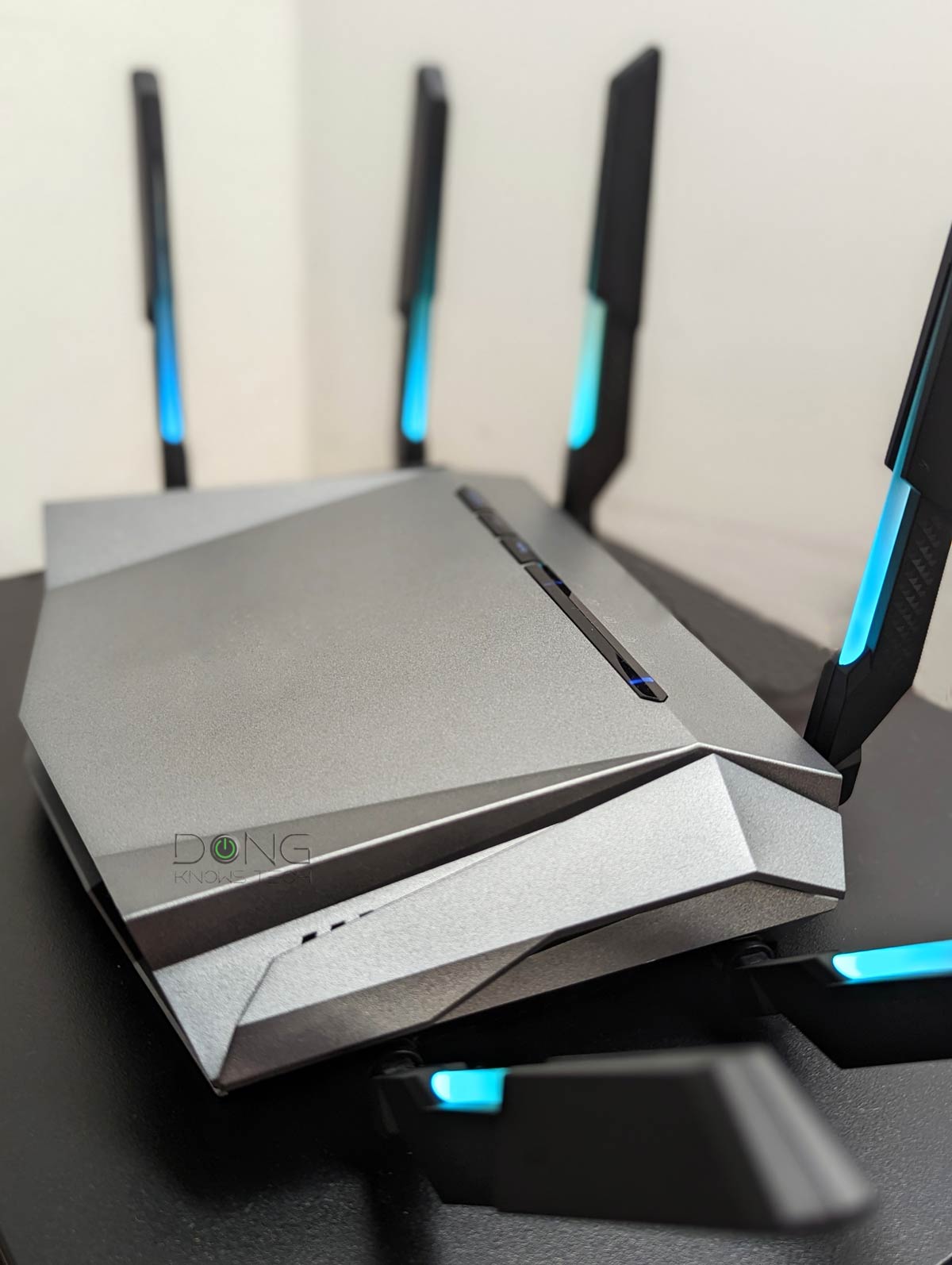

This post is a supplement to my other piece on dBm. It explains, in simple terms, the significance of dBi, which typically indicates an antenna’s “gain” in signal delivering or receiving.
The gist, however, is that the dBi value of your hardware doesn’t mean much, and you shouldn’t pay much attention to it, if at all. Specifically, don’t use dBi as a factor in choosing a home router or access point. Also, leave those antennas alone!
Let’s take a deeper look!
Dong’s note: I first published this piece on December 5, 2021, and last updated it on February 23, 2026, with the latest information.

What is dBi?
To understand dBi, we first need to understand dB (short for decibels). Again, I detailed it in this post on dBm and Wi-Fi signal strength, but here’s the gist:
- dB is a logarithmic measurement. It doesn’t increase or decrease consistently but spirals.
- In addition to sound level, dB is a logarithmic unit for conveying other material properties.
- dBm (decibel milliwatt) is an example of a unit where dB is used to measure power level or signal sensitivity.
- In the US, per regulations, each Wi-Fi radio band has a max power level of 30 dBm (or 1 watt).
With that, dBi is decibel isotropic. It’s a logarithmic way to convey an object’s physical property measured in different directions.
Specifically, 0 dBi means the object emits radio waves equally in all directions. That’s like a sphere with the emitter at its center.
Since we can’t see radio waves, you can imagine 0 dBi as how lights are emitted from a single source, like the sun or a light bulb. It spreads equally in all directions, or omnidirectionally.
Theoretically, when you increase the dBi to higher than zero, the signal sphere starts to change its shape—it’s no longer a perfect orb. In reality, that depends.
That’s because, in our case, the object is a Wi-Fi antenna, and the property is the radio signals it pushes out. And the whole thing is very complicated.
Let’s back up a bit.
High-gain in general antennas: It’s about directional focus
Antennas are not exclusive to Wi-Fi. All radio-based applications require these little poles to broadcast and receive signals.
In telecommunication, we often want to talk to a party in a specific direction.
For example, if you’re off-roading in a caravan, the first car generally wants to talk via radio to those behind it, and the last wants to talk only to those in front of it. In this case, it makes sense to focus the antennas in two specific directions: the front and the back. So, chances are the cars will use directional antennas.
With this type of antenna, signals go farther in one direction (gain) at the expense of the other (often the opposite) direction (loss).

The higher the dBi value, the more focused the signals in the gain direction—the farther it can go—and the larger the area where there’s no signal.
Generally, directional antennas use 9 dBi or higher values, up to 24 dBi. However, the number varies depending on the specific device or application.
You can think of directional antennas as your flashlight. The more you focus the light, the narrower the beam and the farther it goes, but the less bright the area outside the beam is. As a result, when you use a flashlight, there’s no light behind you. Still, the flashlight has the same light output as when you remove the reflector and let the bulb emit omnidirectionally.
The gist of this is that there’s no “gain” in signals. You only take them from one direction to concentrate on another. The total signal output remains the same. Well, almost.
In reality, using focused signals always results in some loss of total output due to overheads. (For example, a flashlight’s reflector doesn’t reflect 100% of the light that hits it—it absorbs some and turns that into heat.)
But in large-area coverage, directional (a.k.a. high-gain) antennas are practical for specific applications like FM radio or cellular signals—depending on where you place the antennas, you may need to cover more in one direction than others.
With that, let’s return to Wi-Fi and its antennas.
Consumer-grade Wi-Fi and antenna designs: There’s no “gain”
All home Wi-Fi “broadcasters”—namely, access points, either standalone or housed inside routers—are omnidirectional (no gain) for good reasons.
First, that’s because Wi-Fi signals are short-range due to their high frequencies—we’re talking about 2.4GHz, 5GHz, and 6GHz here. Omnidirectional allows the hardware to work most efficiently.
Secondly, and most importantly, an omnidirectional design is the best and safest option, as it will fit all situations. If you use a directional Wi-Fi access point, some devices may get no signal when placed right next to it, which is confusing and results in a terrible user experience.
That said, most networking vendors aim to make their home Wi-Fi access points emit signals in a uniform sphere. But this is no easy task—it’s virtually impossible.
FEM: Antennas, dBi, and the max Wi-Fi broadcasting power
The dBi value applies to specific antenna designs and doesn’t work the same across different products, let alone vendors, because how signals leave a particular access point depends on the device’s Front-End Module (FEM).

Typically, an FEM includes a few power and low-noise amplifiers, an acoustic filter, and a handful of other hardware components. You can understand FEM as part of the Wi-Fi System on a chip (SoC) that works with the router’s firmware to determine how Wi-Fi signals are emitted from the hardware’s antennas.
The goal of a home Wi-Fi “broadcaster” is always to achieve the best combination of three elements: the most extensive Wi-Fi coverage (a perfect sphere), the highest Wi-Fi signal strength, and the best compatibility—the support of clients is essential. All are equally important.
And how FEM works with a particular antenna design (and its dBi value) within the constraint of the max broadcasting power allowed—30 dBm in the US—to deliver that goal is a well-guarded secret of each vendor.
Tip
In the US, per FCC regulations, 30 dBm (1 watt) is the current maximum broadcasting power a home Wi-Fi broadcaster (router or access point) can have. It applies to the three popular Wi-Fi frequency bands (2.4GHz, 5GHz, and 6GHz) up to Wi-Fi 6E. However, it doesn’t mean all those bands automatically have that value—depending on specific hardware applications, they are often certified with lower values that differ slightly between bands.
Starting with Wi-Fi 7, broadcasters featuring AFC may have a higher allowed broadcasting power for the 6GHz frequency. In the US, this band can deliver up to 36 dBm (4 watts) of broadcast power, enough to extend the 6GHz band’s range to the same as that of the 5GHz band.
The Wi-Fi broadcasting power level is not to be confused with hardware power consumption, which depends on the processing power (CPU, RAM, Flash) and other hardware components and features, such as USB ports, network ports, PoE, etc. There’s generally no regulated limit on a device’s power consumption, but lower is always better.
That said, the antennas are just part of the equation. But all home Wi-Fi routers come with their own set of antennas, specifically designed for the particular FEM.
Generally, none of the home Wi-Fi routers broadcast signals as a perfect sphere—that’s not possible. Most of the time, the signal outputs are shaped like an egg or a distorted orb.
Wi-Fi routers: Size matters
A common thing among Wi-Fi routers: using firmware to manipulate FEM and antennas requires a lot of processing power. That’s where a router’s CPU and system memory (RAM) come into play.
And that’s also why if you want a powerful router with extensive coverage, you must find one of a certain physical size—larger is generally more powerful. In fact, nowadays, most Wi-Fi 7 routers require an internal fan.
In short, compact, cute, quiet, extensive coverage, and fast connection speeds are an impossible combo in Wi-Fi hardware.
Common dBi values: Hardly relevant
A typical Wi-Fi access point uses between 2 and 7 dBi. Its FEM will work within those values to deliver the best signal output, which is, in most cases, as close to a sphere as possible. Again, the algorithm is a secret, but the goal is for the device to deliver the best coverage based on its antennas or its physical shape.
What’s not a secret is that there is no situation where we have an access point with a perfect 0 dBi value, since other elements of its FEM aren’t perfect either. That’s not to mention the whole system has to adjust for hardware interference and overhead.
That said, revealing the dBi value in a home Wi-Fi router is meaningless. That’s purely for marketing purposes or as a comparison baseline for similar hardware. For the numbers to make sense individually, the vendor must disclose how its FEM works—none of them do.
Some business or enterprise Wi-Fi access points have a dBi number reveal, which helps advanced installers differentiate between them, especially in terms of placement. However, the general idea is that a consumer-grade Wi-Fi access point (or router) emits signals outward in a spherical pattern. As a result, you shouldn’t care about dBi when picking one up.
If you deliberately turn a standard Wi-Fi router’s signals directional, you’ll risk distorting them from the intended patterns created by its FEM, rendering them useless on the receiving end.
Common questions relating to Wi-Fi antennas
And that brings us to a few frequently asked questions about Wi-Fi antennas.
Do more antennas mean better Wi-Fi speeds?
Not necessarily. Generally, a router needs one antenna for each band. So, a dual-band router will have at least two antennas. After that, additional antennas provide extra features, such as MU-MIMO and Beamforming.
But even then, more antennas don’t necessarily mean more features. Also, the number of antennas doesn’t change a router’s range.
In other words, they change the type of coverage but not the range itself. So more antennas might mean faster speeds, but not always.
That’s because, ultimately, it’s how the router’s FEM and firmware handle its antennas that matters. A Wi-Fi connection’s real-world speed takes two—the client needs to support the router’s feature set and speed grade.
In short, there’s no need to get too hung up on the number of the little poles sticking out of our Wi-Fi box.
My home is sprawling. Is it wise to use third-party or directional antennas on my router?
The general answer is no. That’s because most vendors don’t make directional antennas for their access points, and third-party ones don’t usually work as you might hope, if at all.
Again, there are directional Wi-Fi antennas, but most are designed for specific outdoor use. So, if you have a specific Wi-Fi device with its purpose-built directional antennas and a dedicated receiver, you can give that a try.
Keep in mind that, in this case, you might not get any signal from the device in some directions, even when you’re next to it.
How should I angle the antennas for optimal performance?
You can’t. At most, you can only make “different” performances.
Routers with external antennas generally include a section in their user manual on how to handle them. But generally, they are supposed to stay vertical to deliver the intended coverage and performance.
Sure, you can change their positions (when possible) to manipulate the shape of the coverage sphere mentioned above a bit. Still, the results are generally unpredictable and vary from one router to another.
Furthermore, the effect would occur at the end of the router’s range, where the signal is already too weak—the slight fluctuation will likely produce no meaningful Wi-Fi experience. More often than not, messing around with the antennas will make things worse.
Many routers with external antennas, like the TP-Link Archer GX90, don’t allow you to swivel them around. There are also more routers with internal antennas.
That said, when it comes to antennas, don’t remove or collapse them—keep them extended. After that, feel free to put them at any angle you’d like. When unsure, leave them all vertical.
What’s more important is to place your Wi-Fi “broadcaster” in an elevated, open place.
The takeaway
There you go. There’s no need to get too hung up on the dBi when shopping for a new home Wi-Fi router (or access point). In most, if not all, cases, it’s insignificant. High-gain (directional) antennas are more relevant to non-Wi-Fi radio applications.
If you want to go with directional Wi-Fi antennas, dBi is essential, but in this case, you need to hire a professional and use specialized equipment.
However, in Wi-Fi, size does matter. You can’t pack a lot of algorithms into a small box without causing heat issues. So it’s unrealistic to expect a Wi-Fi router to be compact and good-looking yet deliver top Wi-Fi speeds and extensive coverage. Not gonna happen.
Something has to give. It’s a matter of physics (and cost).
