


# Introduction
Imagine signing up for an online course, clicking through 40 slides, passing a quiz you Googled your way through, and receiving a certificate. Did you actually learn anything? This is the reality of most online learning platforms today. They track clicks, not comprehension. They measure completion, not capability.
The good news? Artificial intelligence has made it possible to build learning systems that actually adapt to each person. Systems that know what you already understand, identify where you are struggling, and guide you toward mastery rather than just the finish line.
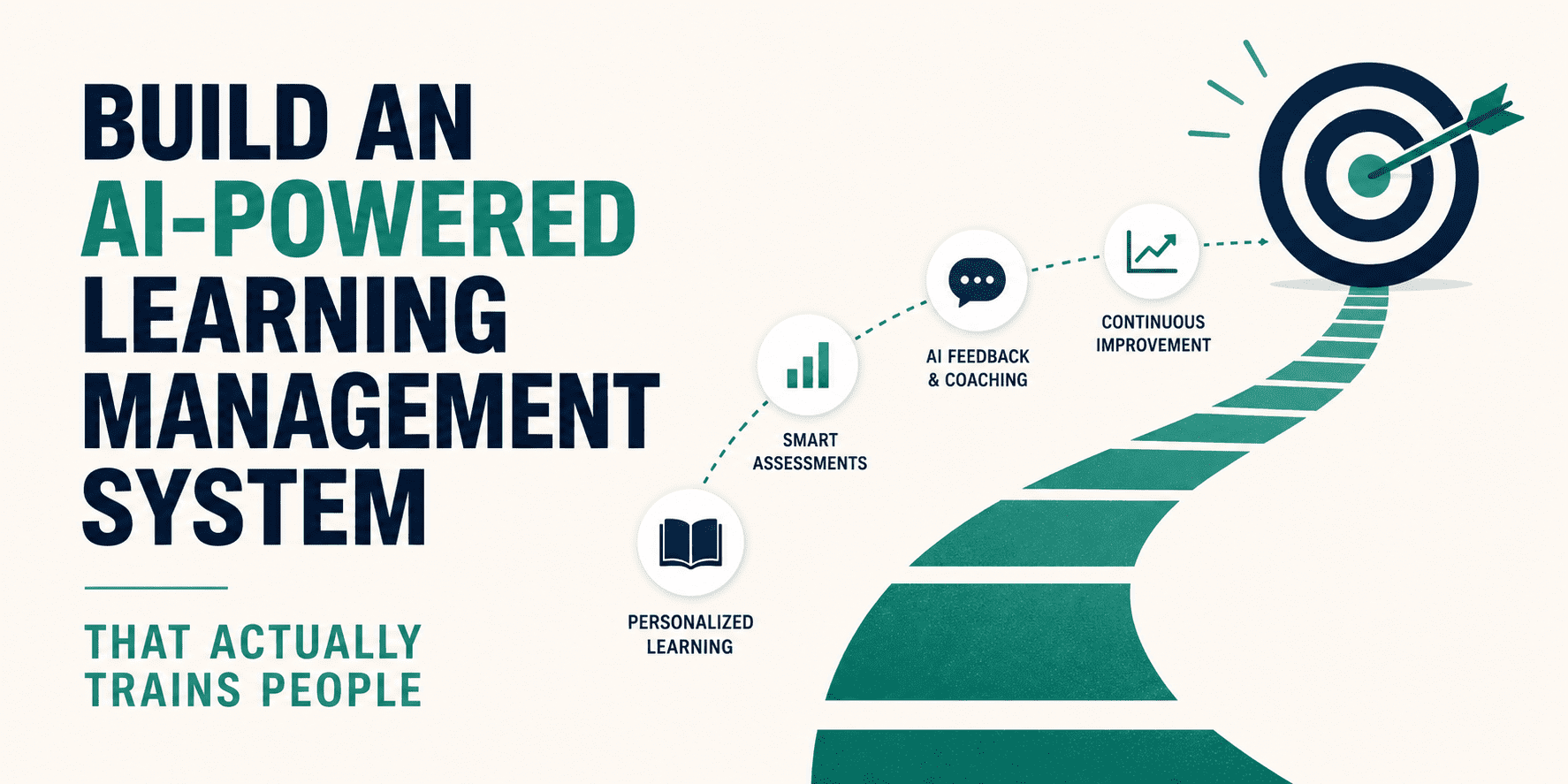
In this tutorial, you will learn how to build an AI-powered learning management system (LMS) from scratch. We will use free, open-source tools — no expensive API subscriptions needed. By the end, you will have a working system with four intelligent features:
- A learning path that adjusts to each learner
- Quizzes that are generated fresh by AI
- A live chat tutor powered by a local language model
- A dashboard that tracks real progress
You can clone the full project repository here and don’t forget to give it a star!
# What Is an AI-Powered LMS?
A Learning Management System (LMS) is software that delivers, manages, and tracks educational content. Traditional examples include Moodle, Canvas, and Blackboard.
An AI-powered LMS goes a step further. Instead of showing every learner the same content in the same order, it uses artificial intelligence to:
- Personalise the learning sequence based on what a learner already knows
- Generate assessments dynamically rather than pulling from a fixed question bank
- Answer questions in plain English through a conversational tutor
- Analyse performance data to flag weak areas and suggest next steps
Think of it as the difference between a textbook and a private tutor. The textbook gives the same content to everyone. A tutor adjusts in real time.
# Why Traditional LMS Platforms Fall Short
Before we build something better, it is important to understand why existing platforms struggle.
- One-size-fits-all content delivery: Most LMS platforms push everyone through the same content in the same order. A senior developer taking a beginner Python course wastes time on concepts they already know. A complete beginner taking an advanced course gets lost immediately.
- Static question banks.
Pre-written quiz questions get shared online within days of a course launch. Learners memorise answers rather than understanding concepts. The assessment becomes meaningless. - No real-time support: When a learner gets stuck at 11pm, there is no instructor to ask. They either give up or move on without understanding the material, which compounds into bigger problems later.
- Vanity metrics over real learning: Completion rates are easy to inflate. Progress bars and checkmarks feel rewarding but do not measure whether knowledge has actually transferred.
These are not small problems. According to research by the Research Institute of America, learners retain only 8–10% of content delivered through traditional e-learning. That number jumps to 25–60% with active, personalised learning methods. Our AI-powered LMS is designed to close that gap.
# The Tech Stack We Are Using
We built this system entirely with open-source tools, which means you can run it on your own machine at zero cost.
| Layer | Tool | Purpose |
|---|---|---|
| AI Model | Ollama + Mistral 7B | Runs the language model locally |
| Backend | FastAPI (Python) | API routes and WebSocket tutor |
| Frontend | React | User interface |
| Data Store | In-memory (Python dict) | Learner profiles and progress |
// Why Ollama?
Ollama lets you download and run open-source language models directly on your computer. You don’t need a cloud account, no API key, and no usage fees. You simply pull a model and call it over a local HTTP endpoint. It supports models like Mistral, LLaMA 3, and Phi-3.
// Why Mistral 7B?
Mistral 7B is a small but capable model that runs well on most modern laptops. It follows instructions accurately, produces clean JSON output, and handles conversational Q&A reliably — exactly what our four modules need.
// Why FastAPI?
FastAPI is a modern Python web framework built for speed. It natively supports asynchronous code and WebSockets, which is important for streaming live tutor responses to the browser.
# Step 1: Adaptive Learning Paths
The problem it solves: A beginner and an experienced developer enrolling in the same Python course should not follow the same path. The adaptive learning module reads each learner’s knowledge profile and builds a personalised sequence.
// How It Works
When a learner enters their learning goal, the system sends a prompt to Mistral that includes:
- The learner’s mastery scores per topic (stored from previous quiz results)
- A list of all available course modules with their difficulty levels
- A set of rules: skip mastered topics, prioritise weak areas, respect difficulty order
Mistral responds with an ordered list of module IDs — the learner’s custom path.
Simplified example from main.py:
prompt = f"""
You are a curriculum expert. Return a JSON array of node IDs
in the best learning order for this learner.

Goal: {req.goal}
Mastery scores: {profile["mastery"]}
Completed modules: {profile["completed"]}
Available modules: {nodes_summary}

Rules:
- Skip completed modules
- Prioritise weak areas
- Order from easier to harder
- Return ONLY a JSON array, no explanation.
"""
The path is not fixed. Every time a learner completes a quiz, their mastery scores update and the path recalculates. A learner who suddenly performs well gets advanced material sooner. A learner who struggles gets routed back to foundational content.
// What the Learner Sees
On the Learning Path tab, learners type their goal (e.g. “Learn Python for data science”) and click Generate Path. Within seconds, a personalised sequence of modules appears, each with its topic, difficulty level, and buttons to jump straight into a quiz or the AI tutor.
# Step 2: AI-Generated Quizzes and Assessments
The problem it solves: Static quiz banks go stale fast. Learners share answers, memorise without understanding, and still pass. AI-generated quizzes are different every time, making it impossible to cheat your way through without actually learning.
// How It Works
When a learner requests a quiz for a module, the backend retrieves that module’s course content and sends it to Mistral with a strict instruction to return a structured JSON quiz.
Simplified example from main.py:
prompt = f"""
Based on the following course content, generate 3 multiple-choice questions.

Topic: {node["title"]}
Content: {node["content"]}

Return ONLY valid JSON in this format:
{{
  "questions": [
    {{
      "question": "...",
      "options": ["A) ...", "B) ...", "C) ...", "D) ..."],
      "correct": "A",
      "explanation": "Short reason why this is correct."
    }}
  ]
}}
"""
Every quiz request produces a fresh set of questions drawn from the actual course material. Learners get different questions on retries, which reinforces learning through varied exposure.
// Scoring and Providing Feedback
After submission, every wrong answer comes with an explanation — not just a red ✗. This matters. Research in cognitive science consistently shows that explanatory feedback drives deeper retention than simply marking answers right or wrong (Hattie & Timperley, 2007). A score of 75% or above marks the module as completed and unlocks the next steps in the learning path.
# Step 3: The Natural Language AI Tutor
The problem it solves: Getting stuck is the number one reason learners abandon online courses. Without someone to ask, a small moment of confusion becomes a wall. The AI tutor removes that wall — available 24/7, infinitely patient, and always grounded in the actual course content.
// How It Works
The tutor runs over a WebSocket connection — a persistent two-way channel between the browser and the backend. This allows the AI’s response to stream back to the user word by word, just like typing, rather than making the learner wait for a full response to load.
The tutor uses a technique called Retrieval-Augmented Generation (RAG). Before answering, it pulls the relevant course content into the prompt as context. This grounds Mistral’s answers in actual course material rather than general knowledge, reducing the risk of incorrect or irrelevant responses.
Simplified prompt structure:
prompt = f"""
You are a concise, helpful programming tutor.
Answer based on the context below. If the answer is not in the
context, say so and give a general answer.

Course Context: {node_content}

Previous conversation:
{conversation_history}

Learner: {user_message}
Tutor:
"""
The conversation history is included in every message, so the tutor remembers what was said earlier in the same session, making the conversation feel natural rather than repetitive.
// What the Learner Sees
On the AI Tutor tab, learners see a familiar chat interface. They type a question, press Enter, and watch the response stream in token by token. If they navigate from a specific module, the tutor is already aware of that module’s content as context.
# Step 4: Progress Tracking and Analytics
The problem it solves: Most dashboards show you a percentage bar that fills up as you click through content. That is not a measure of learning; it is a measure of clicking. Our dashboard tracks mastery by topic, built from actual quiz performance over time.
// How It Works
Every quiz submission triggers two things:
1. Mastery score update using an Exponential Moving Average (EMA)
New mastery = 30% recent score + 70% historical mastery
new_mastery = 0.3 * quiz_score + 0.7 * current_mastery
The Exponential Moving Average gives more weight to recent performance while still factoring in history. A learner who consistently struggled but recently improved will see their mastery score rise, but not spike instantly from a single good result. This makes the metric honest.
2. Progress event logged
Every action — from starting a module to submitting a quiz, passing or failing — is logged with a timestamp. This creates a full record of learning activity that powers the dashboard.
// What the Learner Sees
The Dashboard tab shows:
- Modules completed out of the total available
- Completion rate as a percentage
- Average mastery across all topics studied
- Topic mastery bars — colour-coded green (strong), amber (developing), or red (weak)
- Module status grid: a visual overview of which modules are done and which remain
This gives learners a real picture of where they stand, not just how far they have scrolled.
# How All Four Modules Work Together
Each module is useful on its own, but together they create a continuous feedback loop.

The learner feedback loop
This loop means the system is never static. It responds to how each person is actually performing, not just whether they clicked “Next.”
Full local architecture — no cloud, no API keys
# Conclusion
Building an AI-powered LMS does not require a big budget or a data science team. With Ollama, FastAPI, and React, you can create a system that genuinely adapts to learners — one that generates fresh assessments, answers questions in real time, and tracks actual mastery rather than just completion.
What makes this approach powerful is not any single feature. It is the feedback loop. The system gets smarter about each learner with every quiz submitted, every question asked, and every module completed.
Traditional LMS platforms track clicks. This one tracks learning.
The full project — including all backend routes, React components, and setup instructions — is available on GitHub. Clone it and read the README to run it locally.
Shittu Olumide is a software engineer and technical writer passionate about leveraging cutting-edge technologies to craft compelling narratives, with a keen eye for detail and a knack for simplifying complex concepts. You can also find Shittu on Twitter.
