


I’m a massive fan of digital notebooks (aka epaper or E Ink tablets) — I’ve used over a dozen in the last few years and, as a habitual list maker and note taker, I find them extremely useful. My favorite e-notebook — purely from a writing experience — is the Amazon Kindle Scribe (2024 edition) and, while I loved it when it first launched, the Kobo Elipsa 2E is now my least favorite as newer options just do it better.
I’ve come to realize that a lot of that preference boils down to one surprising element: the stylus. Or rather, the stylus’ little nib and how it feels when you get down to the act of (figuratively) putting pen to paper.
And that’s the clincher: stylus preference is very personal — while some writers prefer a smooth, flowing experience, others might want that extra friction or scratchiness. I’m firmly in the former camp and the absolute best stylus that’s given me that experience is the ViWoods C1 stylus.
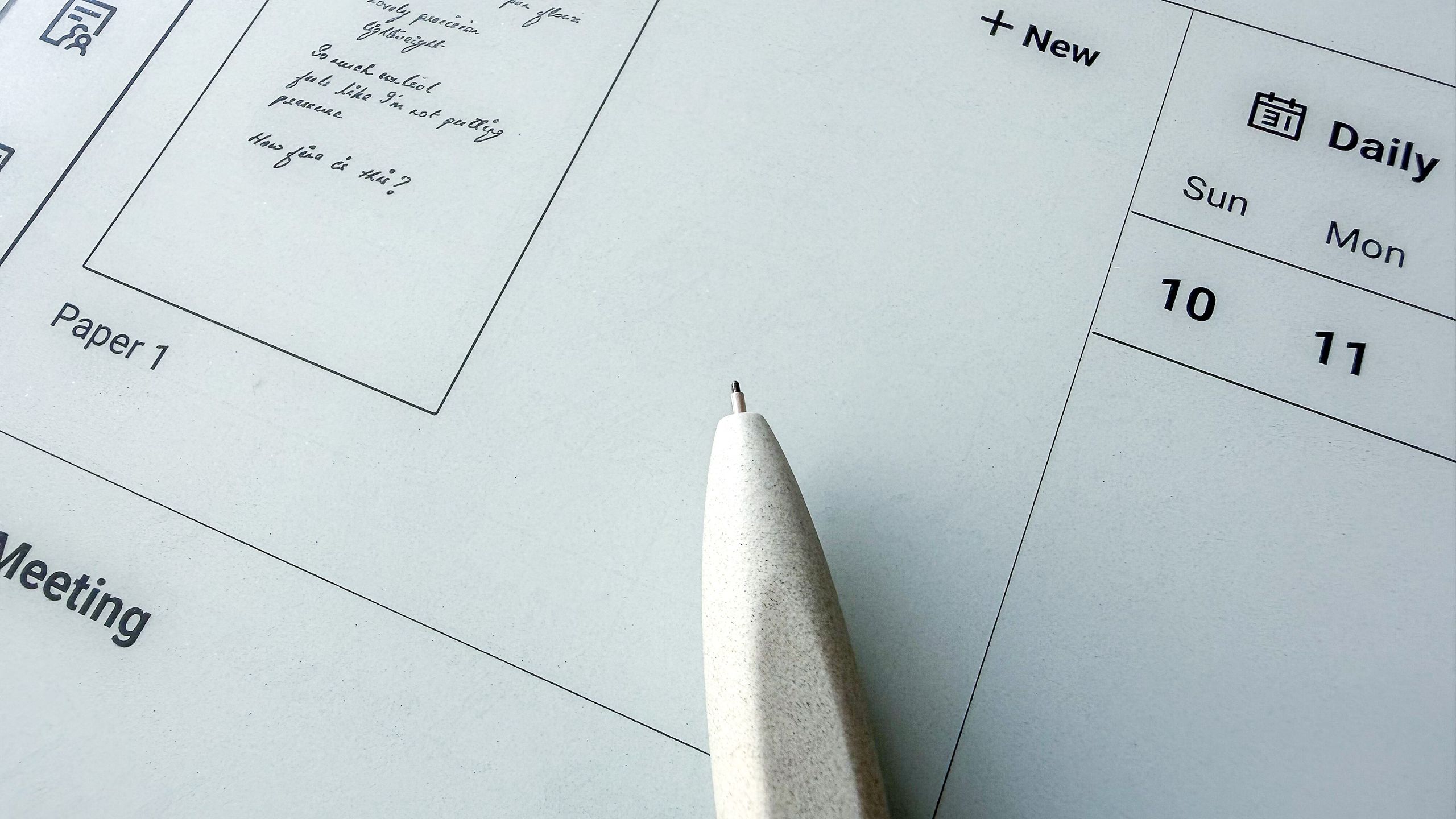
Other than a Supernote pen, the C1 is the only other ceramic-tipped stylus I’ve tried and the amount of precision and control it offers is far more than anything I’ve experienced with the several bundled pens I’ve previously used.

Rather disappointingly, the C1 doesn’t come bundled with any of the ViWoods tablets — you need to purchase it separately. While it’s not cheap (costing $99 / £89.99 / AU$140), I think it’s well worth the extra splurge if you’re after a writing experience that combines smoothness and friction perfectly.
Using EMR (electromagnetic resonance) technology to pair the stylus to a tablet, the C1 also works with other competing epaper devices like Supernote and the now-discontinued reMarkable 2 (but not the newer reMarkable Paper series), on some of Samsung’s S-series Galaxy Tabs, as well as dedicated drawing slates from the likes of XPPen.
EMR pens like the C1 offer other advantages too, including superior pressure sensitivity and accurate positioning for precise line making, as well as faster response speed so there’s no lag between pen placement and the marks actually appearing on screen.
The power in a pen
Ever noticed that your handwriting can change depending on which pen you’re using? That’s because some pens feel more natural than others, which then translates to more pleasing handwriting. Again, this is largely dependent on the pen’s nib and it’s exactly the same for digital writing as well. While I rather like my handwriting, it’s nicer — neater — when using the ViWoods C1.
For that, I give credit to the C1’s needle-like ceramic tip that’s pinpoint perfect and translates into better control over the marks being made on the screen. That control is increased because there’s zero input lag, which means it’s just like using a pen on paper.
That’s thanks to a speedy response time of 960Hz (or 960 RPS), which is the frequency at which a tablet records the stylus’ position and pressure. In the C1’s case, it’s sending data practically every millisecond! For context, a standard stylus typically has a response speed of 200 to 300 RPS.
This speed also makes me feel like I’m not exerting any pressure while writing — even the lightest touch makes the marks flow without generating any fatigue in my hand, and that’s an important consideration for me as I suffer from RSI in my fingers. In comparison, most other styli (including the Kindle Premium Pen I like so much and ViWoods’ own Stylus W2) feel like they’re ‘sticking’ to the screen and require a touch more effort to move.
Like I said, the C1 feels effortless.
The ceramic tip also makes the C1 a lot more long-lasting than other standard styli. It’s the only digital pen I’ve come across that doesn’t ship with extra replacement tips — ViWoods says the included one should last “a lifetime”, so there aren’t any ongoing costs here either. To offer some comparison, using the reMarkable Marker Plus for six months wore the tip down significantly (see the image on top of the page), while I replaced the Kindle Premium Pen’s tip after a year of near-daily use.
After learning about a colleague’s experience with titanium replacement tips that resulted in damaging the tablet’s screen, I was worried the same would happen when using a ceramic pen — after all, the C1 nib is also a pinpoint piece of hard material. However, after six months of testing on the ViWoods AiPaper and the reMarkable 2, I’ve seen no scratches.
Ergonomically, the ViWoods C1 is well designed, with just the right amount of heft and a non-slip grip. Like other EMR pens, it has a customizable shortcut button that can be set to highlighting, erasing or lassoing text, depending on which one you use the most. If I was nitpicking, I’d say that the eraser on the top of the C1 is a little rattly but, personally, I didn’t find it distracting and barely even registered it when I was concentrating on the task at hand.
Take note — there’s a caveat
As someone who reviews e-ink devices regularly, I have a rather large collection of epaper tablets and I tried the ViWoods C1 on seven of them, namely the 2024 Kindle Scribe, two Kobo note takers, a reMarkable and 3 Boox tablets. Unfortunately the C1 only worked on one of those devices (the reMarkable 2), although I’ve seen plenty of online reports that suggest it should at least be compatible with the Kindle Scribe.
Even if it did work for writing on other tablets, the pen’s full functionality might not be unleashed due to software incompatibility between the tablet and the stylus. For example, erasing with the pen on the ViWoods AiPaper was a lot more effective than when I performed the same task on the reMarkable 2. Intelligent lasso also worked only on the ViWoods device and not on the reMarkable. This can make it hard to recommend purchasing a second stylus, even one as good as the C1.
Every brand that sells a large-screen epaper writing tablet bundles it with its own stylus, offering you full functionality at no extra cost. Nearly all of them have no discernible lag (it’s only when you use something like the C1 that you realize there’s something faster) and they write quite well, so not everyone will need an additional stylus. However, if you write or draw every day, finding the best stylus for your needs is definitely worth the extra cost if you’re willing to consider the caveats.
Follow TechRadar on Google News and add us as a preferred source to get our expert news, reviews, and opinion in your feeds.
