

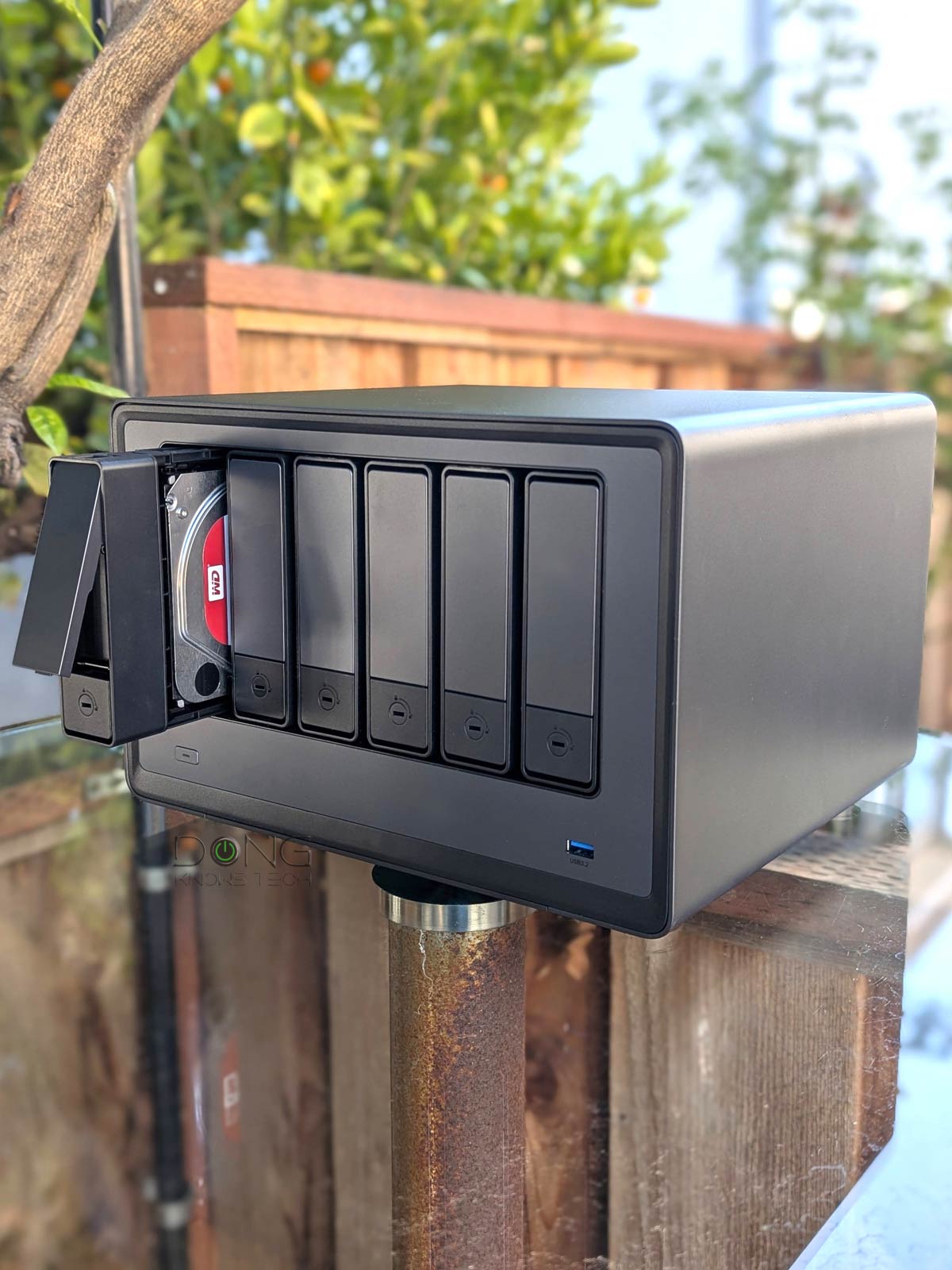

This post lists the five best NAS devices among those I’ve reviewed and used extensively. They are truly battle-tested servers.
Network-attached storage devices are designed to provide large amounts of storage space to the entire network—they connect to the network’s router (or a switch) rather than to a peripheral port, such as USB or Thunderbolt.
NAS servers are similar to traditional servers (computers) in terms of functionality, except they don’t require a keyboard, mouse, or screen. Instead, they are managed via a web-based user interface and are suitable for users with serious network-based storage needs. Those who want to dabble in shared storage but don’t want to commit to a server can start with one of these router-based NAS solutions.
Best NAS Servers: The top-five battle-tested list
While his list is sorted in the recommended order, each server below represents a particular use case, and any of them would work well if it fits your needs.
1. Synology DS1525+


When it comes to network storage, Synology is the undisputed brand, thanks to the refined DiskStation Manager (DSM) operating system, which is years ahead of the competition.
Synology has a vast NAS lineup, and the DS1525+ is the latest and the sweet-spot server. This five-bay server can host up to five SATA drives with multiple RAID configurations. It also has two NVMe M.2 slots for super-fast storage or cache. With dual 2.5Gbps ports and an easy 10Gbps upgrade option, it delivers the top performance to date.
If you’re serious about network-based storage, you can’t go wrong with the DS1525+.
Pros
Dual 2.5GbE port with 10Gbps upgrade option; fast and reliable performance
Lots of useful home and business applications and storage options
Straightforward and consistent setup, upgrade, and management
Cons
USB ports remain at 5Gbps
2. Synology DS923+

The DS923+ is not the latest 4-bay Plus server from Synology. However, with the 10Gbps port upgrade option, as with the DS1525+ above, it’s clearly better than the latest DS925+, which is itself a sensible option. With four drive bays, the DS923+ supports RAID 5, an excellent way to balance performance and data protection. It is also the first Synology Plus server to offer an NVMe super-fast storage option.
Pros
NVMe storage volume support; fast and reliable performance, easy 10Gbps network upgrade
Powerful AMD CPU; lots of useful home and business applications
Straightforward and consistent setup, upgrade, and management
Lots of network storage options
Cons
Extremely restrictive NVMe support for general storage; many generic NAS drives are not on the official supported list
No built-in Muli-Gig; expensive upgrade hardware (RAM, 10Gbps module, NVMe SSDs); no SFP+ option
Legacy eSATA for storage expansion; only two camera licenses included
3. ASUS AS6702T v2 Lockerstor 2 Gen2+

The AS6702T v2 Lockerstor 2 Gen2+ is the 2025 upgrade of ASUS’s original AS6702T, which first came out in 2022. With the new dual 5Gbps ports, this dual-bay SATA server can pass for a four-drive super-fast NVMe server thanks to its integrated four NVMe M.2 slots.
Alternatively, you can opt for the Synology DS225+ if you need a dual-bay server that supports RAID 1, RAID 0, and Synology’s flexible Hybrid RAID.
Pros
Fast and reliable performance via 5Gbps port grade
Excellent storage support with four NVMe M.2 slots for storage and caching
Lots of useful home and business apps, robust web-based UI with PQC support
Cons
Many applications still lack depth
Hard drives require screws and a tool, NVMe storage and RAM upgrades require disassembly
4. The UGREEN NASync DH4300 Plus
The UGREEN NASync DH4300 Plus is a simple four-bay NAS server for those who don’t need high-end features, such as virtual machines or a Plex server. But with 2.5Gbps port grade and a friendly price tag, it’s one of the best 4-bay servers you can find.
Ugreen is a relatively new NAS vendor with lots of potential. If you want top-tier performance, also check out its NASync Pro lineup, suchas the UGREEN NASync DXP6800 Pro.
Pros
Simple design with a 2.5Gbps port, plenty of processing power, and four drive bays, affordable
Responsive and robust UGOS Pro operating system with standard management, functions, and add-on apps, including built-in support for shadow copies, and Domain/LDAP
Cons
Require many screws for drive installation, loose top cover
App Center lacks popular apps, such as Plex Media Server or IP camera support; no flexible RAID, slow RAID build time
Zero upgradability, no NVMe support, no virtual machine support
5. Ubiquiti UNAS 2
The UNAS 2 is a dual-bay server powered by Ubiquiti’s UniFi Drive application, which is the latest network-attached storage option on the market. The UNAS family differs from other NAS servers in that it’s a storage-only approach. The servers don’t have additional features, such as media streaming or IP camera hosting. At least that’s the current stage of UniFi Drive, even with its latest release.
In return, UNAS 2 is unique in more ways than one. The most noticeable thing is that it’s the first PoE-powered NAS server on the market, allowing users to tuck it away in a corner without a power outlet. Alternatively, you can also opt for the 4-bay unit, the UNAS 4.
Pros
Practical, compact design with PoE-powered and 2.5Gbps port, affordable
Responsive UniFi Drive app that offers standard user management and all storage-related functions, including built-in support for shadow copies (snapshot) and Domain/LDAP
Runs cool and relatively quiet
Cons
No advanced NAS-based applications commonly found in other NAS servers, such as data sync, media streaming, PC-less downloads, or virtual machines
No 2.5-inch drive or NVMe SSD support, with RAID 1 being the only storage option for the internal drives
Zero upgradability, most functions have limited configurability, a UI account is required for advanced features
The takeaway
There you go, any of the NAS servers above will work well as long as they fit your storage needs. Generally, when you’re unsure, it’s a good idea to start with a two-bay server and use RAID 1 for data protection. However, if you know you’ll need more, a four-bay server is a good option. Opt for one with five or more drive bays if you want to make sure you don’t miss anything.
