


Access points are excellent options to deliver the best Wi-Fi coverage. This post includes the top five best Wi-Fi access points and their alternatives among those I’ve reviewed.
Depending on your situation, you may need just one or a couple of units, and any of the ones mentioned below will work well. Still, you’re encouraged to read their in-depth reviews for the inner details. For more on access points and how to pick one, check out the post below:
Dong’s note: I first published this piece on July 13, 2024, and updated it on March 3, 2026, with the latest picks.

The top five best Wi-Fi access points for different use cases
These access points are sorted in the recommended order, with #1 being the best. Still, depending on your situation, any of them can be the most applicable.
I’ll explain each one and the case you should use it in. One might be more applicable to a particular situation than others, and by that, I mean a home or small office. Advanced users who want multiple units should consider this list of advanced mesh systems instead.
It’s worth noting that to make it to this list, these access points need to satisfy two things:
- You can use them as a single unit or multiple units to form a Wi-Fi system.
- They must not cost extra to operate as a single unit or a system. This requirement means those requiring a subscription, such as Netgear’s Insight Manage family, will not be considered.
1. Ubiquiti U7 Pro XGS: Representing the UniFi family


The U7 Pro XGS, like all UniFi access points, is a super flexible Wi-Fi 7 AP. UniFi is a family of hardware managed by a central UniFi console, often known as a UniFi Cloud Gateway. After that, the system can do much more than host Wi-Fi access points. Still, adding APs to a UniFi console will give you a robust Wi-Fi system.
As a standalone access point, the U7 Pro XGS (as well as any other UniFi access points) is simple to set up, and a single unit can deliver Wi-Fi coverage sufficient for most homes. In this case, you can use it with any existing router.
Alternatives:
Pros
Top Wi-Fi 7 performance via 10Gbps uplink port with excellent coverage
Seamless integration with a UniFi console to deliver a robust mesh system with lots of advanced and useful features
Simple to set up and manage, fanless design
Zero-wait DFS, low PoE power draw
Cons
No AFC, no PoE injector included
No local web user interface as a standalone AP; runs hot
2. Ubiquiti U7 Mesh: A unique and true mesh option

The U7 Mesh is the 2026 member of the UniFi family, and the U7 Pro XGS above does not fully represent it. It’s unique because it includes a PoE power adapter and, most importantly, features a separate set of directional antennas dedicated to the wireless uplink, enabling exceptionally long backhaul range.
As a result, one or a few of these small, rugged access points make a perfect choice for building a robust UniFi mesh system to cover a large outdoor area.
Pros
Compact and rugged design with reliable performance and exceptionally extended backhaul range
Seamless integration with a UniFi Cloud Gateway, as an access point or a mesh unit, to deliver a robust Wi-Fi system with advanced and useful features
Simple to set up and manage, fanless design, low PoE power draw, runs relatively cool, 2.5Gbps PoE injector included
Cons
Modest dual-band Wi-Fi 7 specs with only Gigabit-class real-world rates
A UniFi network is required to deliver the full potential
3. ZenWiFi BD5 Outdoor: Representing ASUS’s access points


The ZenWiFi BD5 is technically a mesh router. However, it uniquely supports PoE via its two 2.5Gbps auto-sensing ports, making its Access Point Operating Mode more relevant than ever—all Asus routers can work in different roles beyond the default router mode.
Additionally, you can use it as a Wi-Fi satellite for an AiMesh system.
Wi-Fi 6 alternative from Asus:
Pros
Rugged IP65 design with excellent real-world Wi-Fi rates and coverage
Versatile thanks to the dual 2.5Gbps PoE auto-sensing ports; lots of customization and free-for-life high-end features (VPN, Parental Controls, Online Protection, Smart Home Master, etc.).
Can work as a standalone router, a standard PoE access point, or an AiMesh member
Pole mounting accessories included; comparatively affordable
Cons
No wall-mount accessories included
Can’t take setting backup files of other ASUS routers; no PoE injector included
4. TP-Link EAP783: Representing the Omada family of managed access points
The EAP783 is one of the latest APs in TP-Link’s Omada family. Each Omada access point can be managed locally as an individual unit, or you can get multiple units of the same model or a mix to create a robust mesh system via a controller.
Omada offers local management and advanced cloud-based management without requiring additional subscription costs. So, as a standalone access point, the 783 is an excellent top-tier option, but you can also pick from these alternatives:
Pros
Top Wi-Fi 7 performance with MLO and two 10Gbps PoE ports
Robust local web UI with lots of settings and features
Easy to mount, lots of advanced controller options
Cons
Bulky design; no power adapter or injector is included
No AFC at launch; a bit pricey
5. Zyxel WBE660S: A formidable Wi-Fi 7 AP to represent Zyxel’s Nebula family
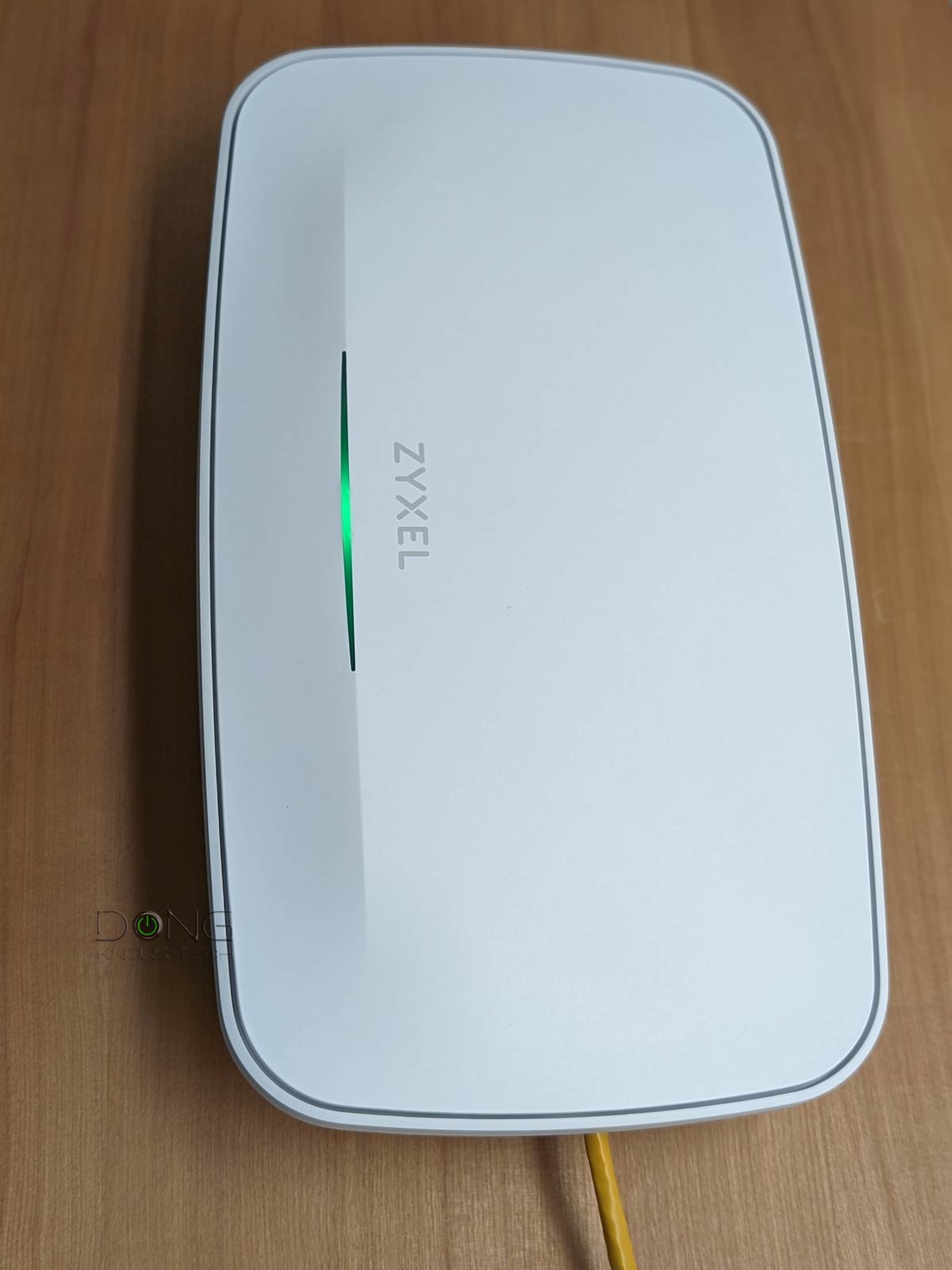
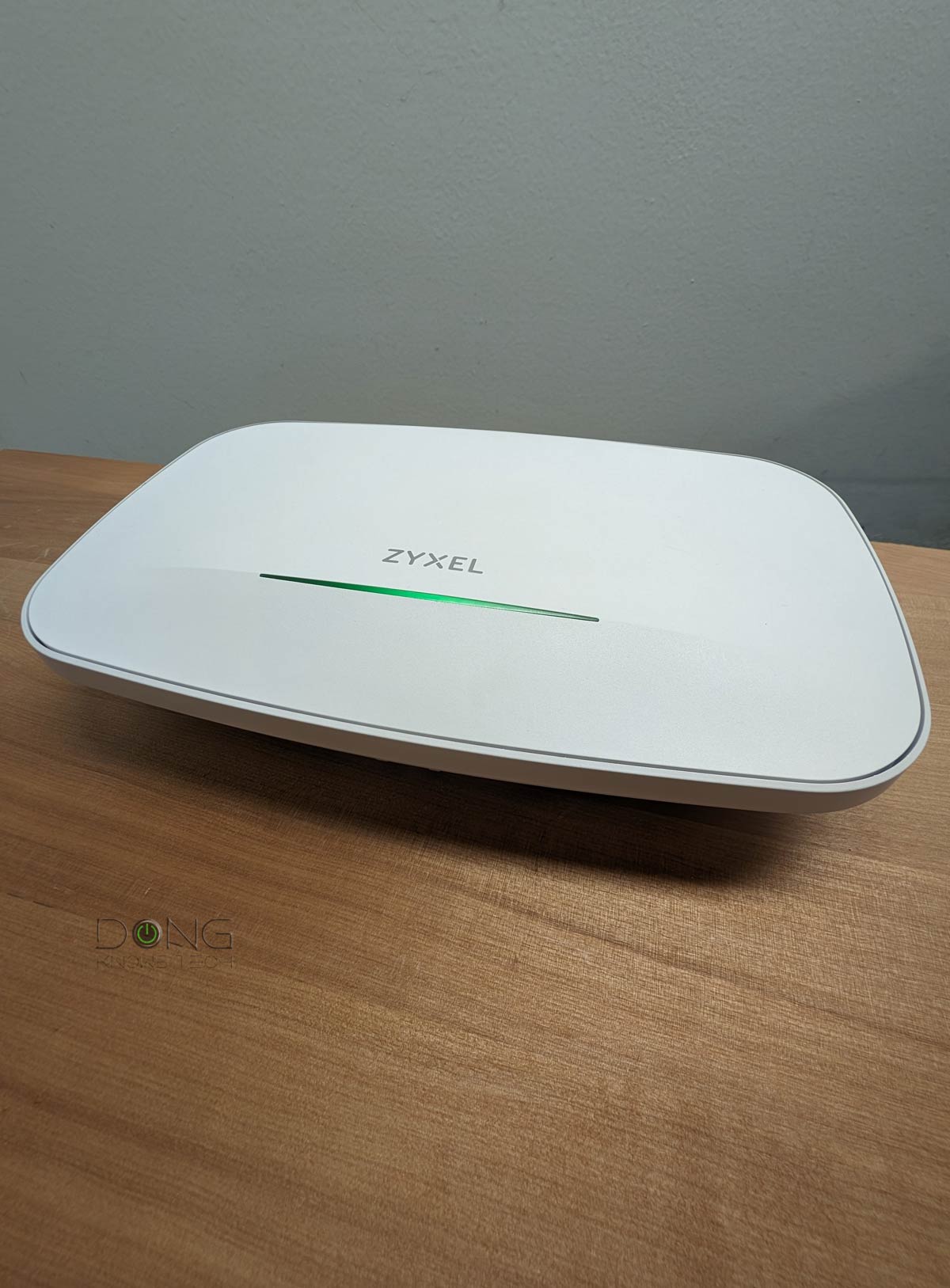
The Zyxel WBE660S is a heavyweight in terms of both hardware specs and physical size. If you’re looking to upgrade your network to the fastest, latest version, it’s an easy recommendation.
The access point can work as a standard standalone AP via built-in local web management or team up with other units within Zyxel’s Nebula family to form a cloud-based mesh system.
Looking for the same effect with a slightly smaller budget? The NWA130BE is also an excellent alternative.
Pros
Wi-Fi 7 support with reliable Gig+ sustained performance; excellent coverage
10Gbps PoE++ network port, extra Gigabit port
Excellent design, ready to mount; full local web user interface; generous free-tier cloud-based management
Cons
No power adapter or PoE injector is included
Wi-Fi 7 performance could comparatively be better
Daunting amount of features; Nebula Control Center is sluggish and can be confusing
The final thoughts
Generally, using access points via wired backhaul is the best way to build a network with optimal Wi-Fi coverage. That said, if you’re getting your place remodeled, consider running network cables throughout your home, or consider MoCA if that’s an option.
After that, keep in mind that you’ll need a router, preferably a non-Wi-Fi one, to go with them. If you need one, check out the current top-five list below.
