

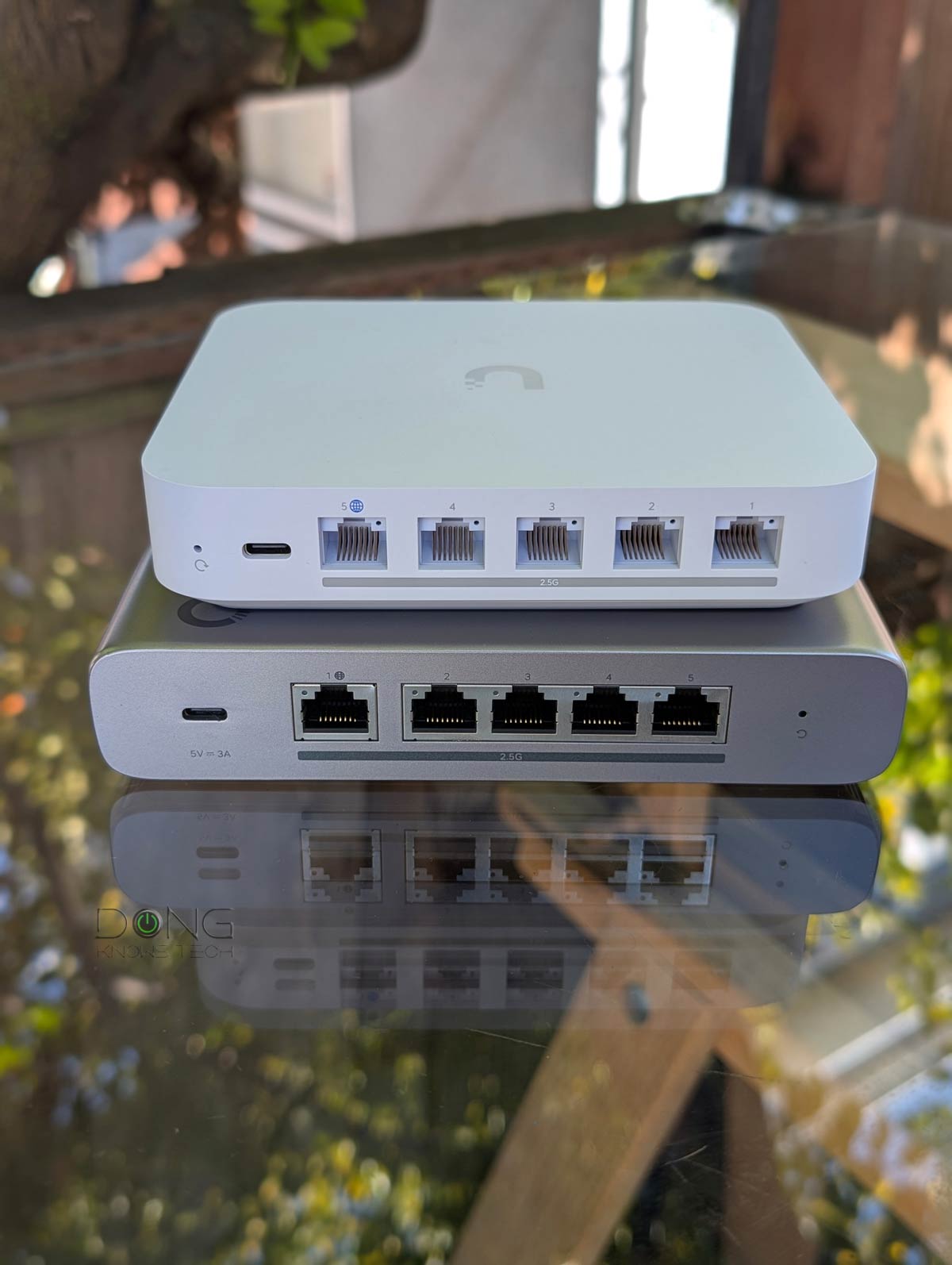

If you’re looking to buy a new router for your home today, chances are you’ll be offered a Wi-Fi router. This type of device has been so prevalent that the “Wi-Fi” notion is often presumed when you say “router”.
But a non-Wi-Fi router — a standard router without a built-in access point — is the best way to start a Wi-Fi network.
As counterintuitive as that sounds, it’s true. This post explains how standard routers are, in fact, the sensible way to build a robust network, including one with the optimal Wi-Fi coverage.

Why a non-Wi-Fi router?
Needless to say, when you don’t care for Wi-Fi, a non-Wi-Fi router is an obvious option. However, the point here is that a standard router remains an excellent choice even when you want the best Wi-Fi.
Let me explain!
Technically, a Wi-Fi router is a standard router that includes a Wi-Fi access point (AP) in the same hardware box — the latter handles the Wi-Fi portion.
This convenient two-in-one design works well when a single Wi-Fi access point is enough for your needs, such as when you live in a relatively small home and can place the Wi-Fi router at the ideal spot for optimal coverage — often at the center.
Can you, though?
In real life, the placement of the Wi-Fi router is often dictated by the location of the Internet terminal device, namely, the cable modem or fiber-optic ONT. And in most homes, the location of the “terminal drop” is often at one end of the house or in the basement, and neither is ideal for Wi-Fi coverage.
That’s because Wi-Fi signals generally emanate from the access point in a spherical pattern. Consequently, placing the Wi-Fi router in a corner of a house means coverage is off-center, creating many Wi-Fi “dead zones” at the other end of the home while leaving strong signals where they are not needed. That’s not to mention walls and large objects that block the signals greatly.
For these off-center placements, you can use a Wi-Fi repeater as a quick fix to extend the Wi-Fi router’s coverage. However, this approach is generally not ideal in terms of cost and especially performance.
Alternatively, you can run a long network cable from the terminal device to the Wi-Fi router placed near the center of the home. However, this setup is not ideal, either because of the router’s large physical size or because you have other wired devices, such as a NAS server or a printer, that you want to tuck away near the terminal drop anyway.
And that brings us to the first reason why a non-Wi-Fi router is applicable.
1. Standard non-Wi-Fi router equals flexibility and optimal hardware placement
As you can imagine, separating the Wi-Fi access point from the router provides flexibility for optimal hardware placement: the standard router by the terminal device, and the Wi-Fi access point at or near the center of the desired Wi-Fi coverage area, with a network cable linking the two.
If you live in a large home, you can add another access point in a different direction. Problem solved!
The point is that getting a non-Wi-Fi router is an excellent option for all homes, as long as you can run one or a few network cables, depending on your needs.
Come to think about it, you can always add a Wi-Fi access point near or at a non-Wi-Fi router (to make it a Wi-Fi router), while the other way around is not possible.

2. Standard routers delay obsolescence
Since a non-Wi-Fi router has no built-in Wi-Fi, its relevancy is independent of how Wi-Fi evolves.
Specifically, that router remains the same when there’s a big change in the world of Wi-Fi, such as when we move from one standard to another or when you want to upgrade the Wi-Fi to a faster tier.
In this case, you can simply swap out the access point(s), and your network will be as good or as cutting-edge as you’d like. Or you can keep the existing (old) access points to host legacy clients, which is the way to go when you want to increase bandwidth for IoT “Smart” devices.
Come to think about it, with Wi-Fi 8 on the horizon, it only makes sense to get a non-Wi-Fi router today. It’s a sure way to avoid having “obsolete” tech tomorrow, regardless of how the new Wi-Fi standard will pan out.
In short, a non-Wi-Fi router, especially one with Multi-Gig ports, will last much longer than a Wi-Fi router of the same hardware specs.
3. A wired home is a modern home
It’s important to note that using a non-Wi-Fi router to build a Wi-Fi network requires network cables. As a result, this approach is excellent for a wired home — one that’s laid with patch or fiber-optic cables (or both).
In fact, the setup is so great that I’d recommend getting your home wired to make it a reality. It’s the only way to truly make your home modern — keep this in mind for the next remodeling.
Running cable all around an existing property can be a big endeavor. However, in most Wi-Fi-related cases, all you need is one or a few (short) cables from one room to another, which can be a fun weekend project with gratifying results. In some cases, a few good MoCA adapters are all you need.
The point is that if you want the best home network, keep wiring in mind. Already have your network cables in place? Below is a list of the five best non-Wi-Fi routers you can confidently bring home today.
The takeaway
Here’s a fact: All advanced networks are made of a non-Wi-Fi router plus a few Wi-Fi access points. It’s the general blueprint of any enterprise-class system. And that also applies nicely to a home. Give it a try the next time you want to upgrade your network or have to replace your current router!

