

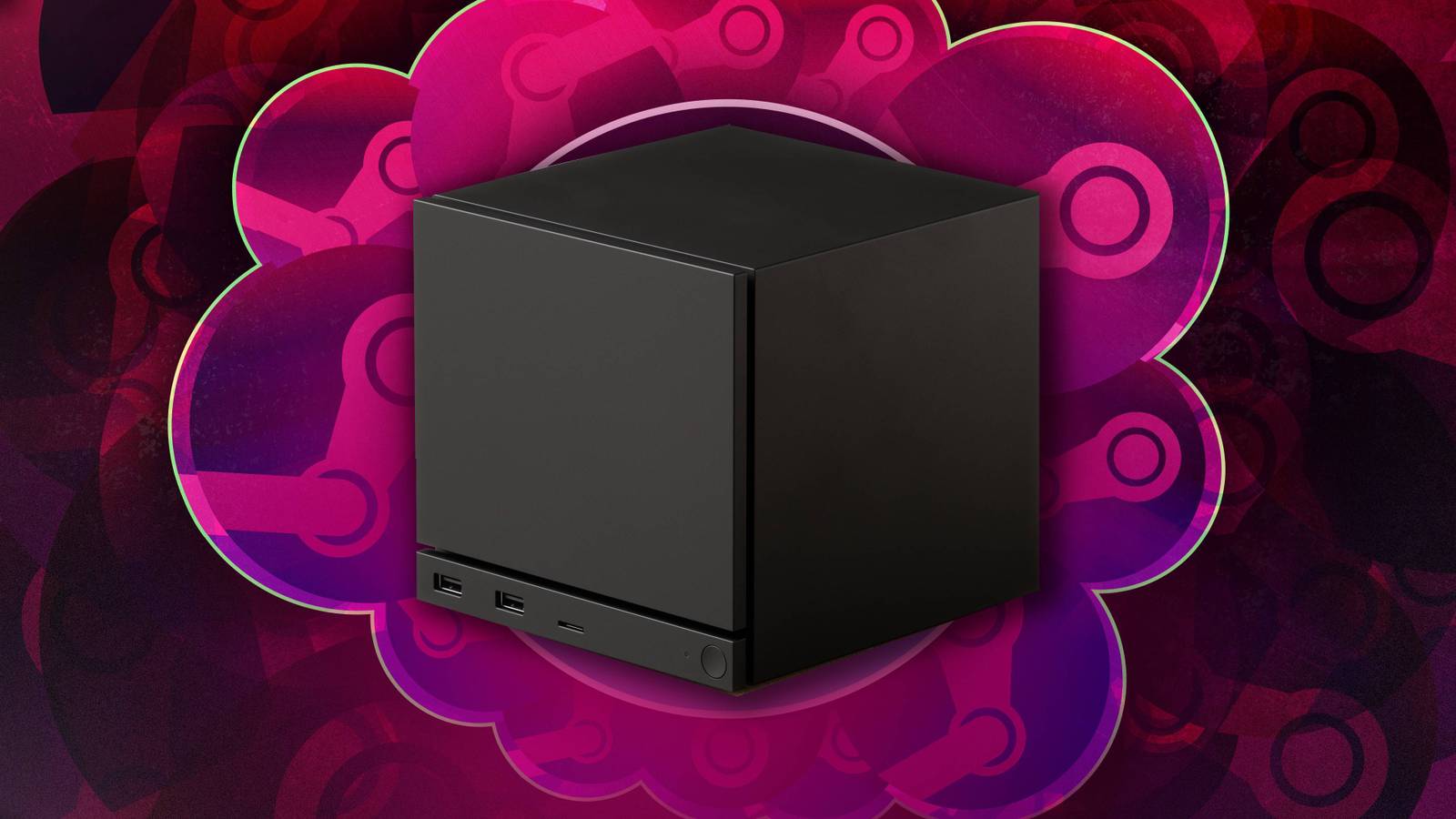

With the Steam Machine, Valve is attempting to make the daunting world of PC gaming more approachable than ever. The little gaming box isn’t so much made for hardcore tech enthusiasts who push all of their specs to the max; it’s more alluring to console owners looking for a way into PC gaming without having to learn the nuances of cooling systems.
If that describes you, then you might have some questions about what exactly the Steam Machine is. How exactly is it different from an Xbox Series X? No question is stupid when you’re a newcomer to the sometimes complicated world of PC gaming. In the spirit of demystifying the tech, here’s a rundown of some 101 questions you might have about the Steam Machine. Consider this a judgement-free crash course.
If you still have burning questions, drop them in the comments! We’re currently testing the Steam Machine and will update this article as we find answers.
1
Is it a console or a PC?

Both, kind of! The Steam Machine is technically a PC in a small form-factor, built with gaming in mind. It’s like buying a prebuilt machine where you don’t have to worry about updating the components every few years. What makes it different from a Windows computer, though, is SteamOS. This is a streamlined, custom interface that makes the Steam Machine look and feel like a traditional plug-and-play console. You can simply click on a game to start playing, rather than navigating through file paths to find what you’re looking for on a desktop. That ease of access bridges the gap between PC and console gaming to make the latter more familiar to anyone who is used to playing on an Xbox or Nintendo Switch.
2
How hard is it to set up and start playing?

It’s mercifully simple. The package comes with the power supply and HDMI cable you’ll need to get it hooked up to a TV or PC monitor. (Though you’ll need to bring your own controller if you didn’t buy a bundle that included one.) When you boot it up, it will run you through some basic setup sets: pick your language, join a Wi-Fi network, download a system update, and sign in to your existing Steam account. From there, I downloaded and launched a game successfully within one minute of signing in to my account for the first time.
3
Which games can I play on it?
This is a tricky one. You’ll be able to access your entire Steam library on the Steam Machine, but that doesn’t inherently mean that every game will play well — or launch at all. You have to remember that you’re not using a high-end gaming PC, so a giant new game like Crimson Desert probably isn’t going to run as well here as it would on PS5 Pro. (But it can run.) This isn’t like a console where every game is optimized for the machine. That’s another thing that can be challenging about PC gaming if you’re new to it.
Valve does have a method for checking this, though it’s loose. When you click on a game in your library, you’ll either see a SteamOS compatibility icon next to Game Info. If it’s blue, that means the game is compatible with Steam Machine. Mina the Hollower started working with my Steam Controller instantly. This symbol doesn’t mean that a game is perfectly optimized for Steam Machine, mind you.
If a game can’t be played on Steam Machine, you’ll see a circle with a diagonal line through it instead. Unfortunately, you might see that more than you’re hoping to; certain anti-cheat systems don’t work with SteamOS. You can’t play Destiny 2 on it, for instance. Not every game has a verification status, so you’re bound to see indies with question mark icons instead. That doesn’t mean they won’t work on Steam Machine; they’re just untested. If it works on Steam Deck, it will likely work on Steam Machine too, but make sure to do a bit of extra research before buying a game.
4
Can I install other PC launchers like the Epic Games Store on it?
Sort of, but not always in as straightforward a way as you would hope. Apps like the Epic Games Store don’t work on Linux, so you need to download third-party tools to get Windows apps working. That can take some trial and error that may leave you frustrated; it has been a struggle to get Epic Games Store properly installed on my Steam Machine. There are some technical workarounds for other apps. With Xbox Game Pass, for instance, you can cloud stream games through Linux. Even that gave me a bit of trouble, though, as it had trouble recognizing my Steam Controller. (That’s also a problem on a proper PC because anything other than Steam recognizes the controller as a composite mouse and keyboard.) You can get some apps working on it, but it’s really built for Steam games first and foremost.
5
Do I need to buy a Steam Controller to play?

Nope! While Valve is selling Steam Machine bundles that include a Steam Controller, you don’t actually need one. Most standard PlayStation and Xbox gamepads will work just fine for most games. The only perk that the Steam Controller will give you over those are haptic touchpads. You can either connect a controller via Bluetooth or use a USB-A or USB-C cable for wired play. I was able to plug in my Xbox Wireless Controller right at setup and use it instantly. The Steam Machine didn’t recognize one of my Scuf Instinct Pro, though, so not every third-party gamepad will be compatible out of the box.
The other catch is that not every game on Steam includes controller support. Most do these days, but something like a grand strategy game won’t be optimized for a gamepad. That’s a big difference from a console, where everything you buy is guaranteed to work with a controller. Make sure to check the controller support of a game (especially smaller indies that are only available on PC) before you buy it.
6
Can I use a keyboard and mouse with it?
Thankfully, you can. If you ever run into a game that doesn’t support a controller, you’ll have the option to connect your keyboard and mouse. I plugged in one of my keyboards while in desktop mode, and it worked right away. That’s one nice perk of the Steam Machine compared to consoles.
7
Can I use it like a desktop computer?

Yes, though it might look a little alien if you’re used to Windows and Apple devices. The Steam Machine uses Linux, an open-source operating system. It can be a little complicated to learn if you’re not used to it, but once you do, you’ll just be able to use your Steam Machine like a computer. You’ll most certainly want a mouse and keyboard if you’re going to do that, as Linux is a nightmare to navigate with a controller. I wouldn’t recommend replacing your PC with a Steam Machine, but if you just want a device you can send emails from, you absolutely can do that here.
8
Can I use streaming apps like Netflix on it?
Yes, but not in the way you can on consoles. You’re not going to turn it on and have access to a preinstalled set of apps, or be able to simply download them by going to the Steam store and clicking a button. You’ll need to go into desktop mode and access them like you would on a PC. That’s a little less convenient compared to a console, but on the plus side, you aren’t limited to streaming apps that have been made available on a console. As is the case with installing game launchers, this can be fiddly out of the box as well. When I logged into Netflix via Firefox, I got an error anytime I tried to stream through the browser. You’ll have to experiment with browsers to get the right setup.
9
Do I need to pay to play online?
No. While PlayStation, Xbox, and Nintendo all require you to pay a monthly fee to play games online, you don’t need to do that with the Steam Machine. No extra fee or account is required for Steam, so you can just start playing with friends as soon as you connect to the internet.
10
Why does it cost so much money?

The short answer is generative AI, at least in large part. The tech runs on data centers, and those data centers need a lot of memory to operate. In turn, big tech companies have bought up memory components and created a shortage on the consumer end. The price of RAM has skyrocketed as a result of that, which means that any device that has RAM in it is more expensive for companies to produce. That’s why consoles like the PS5 are getting more expensive six years after launch instead of going down in price. The Steam Machine is not immune to that crisis. There are more geopolitical factors at play, but if gaming feels like it has gotten prohibitively expensive, you can pin a lot of that blame on generative AI.
