


# Introduction
You shouldn’t be using Python for data science just “because everyone else does!” Python’s dominance in the data field isn’t accidental. It is a language built on highly expressive, readable syntax that abstracts away low-level memory management. However, this same high-level abstraction comes with a cost: standard Python execution is dynamically typed and interpreted, which can make raw iteration painfully slow.
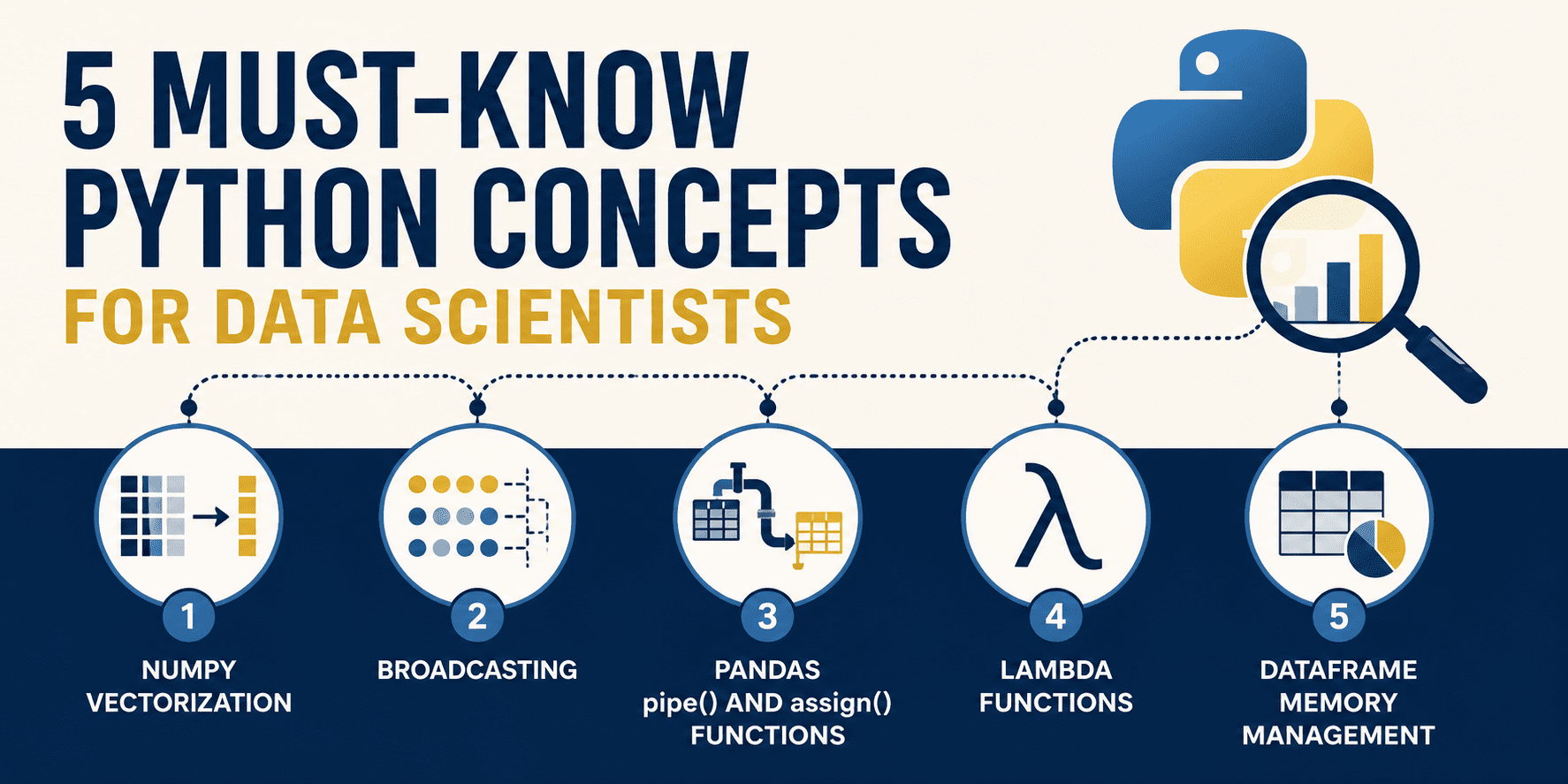
To write high-performance data systems, a data scientist must shift from standard procedural coding patterns to specialized, vectorized, and memory-aware approaches. In this article, we will dive deep into five must-know Python concepts that will help you transition from writing clunky, slow spaghetti code to constructing lightning-fast, production-grade, and beautifully functional data pipelines.
# 1. NumPy Vectorization
Standard Python loops are slow. Because Python is an interpreted language, each iteration of a for loop incurs significant overhead: type checking, dynamic method lookup, and reference counting. When you are processing millions of data points, these micro-overhead costs compound into multi-second bottlenecks.
The solution is NumPy vectorization. Instead of processing elements sequentially in Python bytecode, NumPy offloads loops to highly optimized, pre-compiled C-extensions. These operations act on entire arrays at once, executing contiguous array blocks at the machine level, often utilizing Single Instruction, Multiple Data (SIMD) instructions.
// The Clunky Way
Suppose we have a list of one million float values representing raw sensor readings, and we need to scale each reading by 1.5 and apply a calibration constant of 10.0. Using an iterative Python loop:
import time

# A large list of 10 million sensor readings
n_elements = 10_000_000
data_list = [float(x) for x in range(n_elements)]

# Scaling values using an explicit python loop
start_time = time.time()
scaled_list = []

for val in data_list:
    scaled_list.append(val * 1.5 + 10.0)

loop_duration = time.time() - start_time

print(f"Loop implementation took: {loop_duration:.6f} seconds")
Output:
Loop implementation took: 0.378866 seconds
// The Vectorized Way
Here is the elegant, vectorized alternative. We load the data into a contiguous NumPy array and perform the arithmetic directly on the array object:
import numpy as np
import time

# A large list of 10 million sensor readings
n_elements = 10_000_000

# Vectorized way: NumPy performs the entire calculation in pre-compiled C loops
data_array = np.arange(n_elements, dtype=float)

start_time = time.time()
scaled_array = data_array * 1.5 + 10.0
numpy_duration = time.time() - start_time

print(f"NumPy implementation took: {numpy_duration:.6f} seconds")
print(f"Speedup: {loop_duration / numpy_duration:.1f}x faster!")
Output:
Loop implementation took: 0.348456 seconds
NumPy implementation took: 0.013395 seconds
Speedup: 26.0x faster!
By vectorizing the arithmetic, we can achieve a massive performance boost with cleaner, more concise code. The loop is eliminated from Python space and executed entirely in high-speed C space.
# 2. Broadcasting: Math Rules for Mismatched Dimensions
In linear algebra, matrix operations generally require both operands to have the exact same shape. However, in data science, we often need to perform operations on arrays of differing dimensions, such as subtracting feature column averages from a dataset, or normalizing row values.
Rather than duplicating data to force matching shapes, NumPy uses a set of mathematical rules called broadcasting. Broadcasting allows element-wise operations on arrays of different shapes by virtually expanding the smaller array along the missing or single-element dimensions, without copying any data in memory.
The broadcasting rules are:
- If the arrays do not have the same rank (number of dimensions), prepend the shape of the lower-rank array with 1s until both shapes have the same length
- Two dimensions are compatible if they are equal, or if one of them is 1
- If compatible, the array behaves as if it were stretched along the dimension of size 1 to match the other array’s shape
// The Clunky Way
Suppose we have a 3×4 feature matrix (3 samples, 4 features) and want to subtract the column means to “de-mean” the features:
import numpy as np

features = np.array([
    [10.0, 20.0, 30.0, 4.0],
    [12.0, 24.0, 36.0, 8.0],
    [14.0, 28.0, 42.0, 12.0]
])

# Mean of each feature column (shape: (4,))
col_means = np.mean(features, axis=0)

# Using nested loops to manually de-mean
demeaned_clunky = np.zeros_like(features)
for idx in range(features.shape[0]):
    for col_idx in range(features.shape[1]):
        demeaned_clunky[idx, col_idx] = features[idx, col_idx] - col_means[col_idx]

# Alternative: tiling the array to force matching shapes
tiled_means = np.tile(col_means, (features.shape[0], 1))
demeaned_tiled = features - tiled_means
// The Pythonic Way
With broadcasting, we perform the subtraction directly. NumPy automatically aligns the (3, 4) feature matrix with the (4,) column mean array by treating the column mean shape as (1, 4):
import numpy as np

features = np.array([
    [10.0, 20.0, 30.0, 4.0],
    [12.0, 24.0, 36.0, 8.0],
    [14.0, 28.0, 42.0, 12.0]
])

col_means = np.mean(features, axis=0)

# Pythonic subtraction via automatic broadcasting
demeaned_broadcasting = features - col_means

# Dividing each row by its row sum
# row_sums has shape (3,) -> to divide (3, 4) by (3,), we expand shape to (3, 1) using np.newaxis
row_sums = np.sum(features, axis=1)
normalized_features = features / row_sums[:, np.newaxis]

print("Demeaned:\n", demeaned_broadcasting)
print("\nNormalized Rows:\n", normalized_features)
Output:
Demeaned:
 [[-2. -4. -6. -4.]
 [ 0.  0.  0.  0.]
 [ 2.  4.  6.  4.]]

Normalized Rows:
 [[0.15625    0.3125     0.46875    0.0625    ]
 [0.15       0.3        0.45       0.1       ]
 [0.14583333 0.29166667 0.4375     0.125     ]]
Broadcasting eliminates duplicate values and memory copying. Under the hood, NumPy runs the subtraction loops at C speed without creating a tiled intermediate matrix, preserving memory bandwidth and accelerating operations.
# 3. The Pandas .pipe() and .assign() Methods: Clean, Functional Pipelines
Data preparation in Pandas often degenerates into sequential spaghetti code. Developers create multiple intermediate DataFrames (df1, df2, etc.), modify variables in-place, or chain brackets. This leads to code that is difficult to read, hard to test, and notoriously prone to the dreaded SettingWithCopyWarning.
Modern Pandas encourages moving away from procedural mutations toward functional, declarative data pipelines. By utilizing .assign() for feature creation and .pipe() for reusable multi-column operations, you can chain steps in a single pipeline.
// The Clunky Way
Let’s take a raw customer sales dataset that requires filtering outliers, standardizing strings, imputing values, and calculating sales taxes.
import pandas as pd
import numpy as np

raw_data = {
    'Customer_ID': [101, 102, 103, 104, 105],
    'Age': [25, -5, 47, 120, 31],
    'Country': ['usa', 'CANADA', 'usa', 'Germany', 'canada'],
    'Raw_Spend': [120.50, 450.00, 80.00, np.nan, 300.00]
}
df = pd.DataFrame(raw_data)

# Sequential intermediate mutations
df_clean = df.copy()

# 1. Filter out invalid ages
df_clean = df_clean[(df_clean['Age'] >= 0) & (df_clean['Age'] <= 100)]

# 2. Standardize country names (risks copy warnings)
df_clean['Country'] = df_clean['Country'].str.upper().str.strip()

# 3. Impute missing Raw_Spend values
median_spend = df_clean['Raw_Spend'].median()
df_clean['Raw_Spend'] = df_clean['Raw_Spend'].fillna(median_spend)

# 4. Calculate Taxed_Spend
df_clean['Taxed_Spend'] = df_clean['Raw_Spend'] * 1.15

# 5. Format Column Names
df_clean = df_clean.rename(columns={'Customer_ID': 'customer_id'})
// The Pythonic Way
Approaching this as a functional method chaining problem, we can wrap the country standardization step into a reusable utility function and construct a single, clean, self-contained pipeline.
import pandas as pd
import numpy as np

raw_data = {
    'Customer_ID': [101, 102, 103, 104, 105],
    'Age': [25, -5, 47, 120, 31],
    'Country': ['usa', 'CANADA', 'usa', 'Germany', 'canada'],
    'Raw_Spend': [120.50, 450.00, 80.00, np.nan, 300.00]
}
df = pd.DataFrame(raw_data)

# Reusable custom transformation function for .pipe()
def standardize_countries(dataframe: pd.DataFrame) -> pd.DataFrame:
    df_out = dataframe.copy()
    df_out['Country'] = df_out['Country'].str.upper().str.strip()
    return df_out

# Single elegant functional pipeline
df_clean_pipeline = (
    df.query("Age >= 0 and Age <= 100")
      .assign(
          Raw_Spend=lambda x: x['Raw_Spend'].fillna(x['Raw_Spend'].median()),
          Taxed_Spend=lambda x: x['Raw_Spend'] * 1.15
      )
      .pipe(standardize_countries)
      .rename(columns={'Customer_ID': 'customer_id'})
)

print(df_clean_pipeline)
Output:
   customer_id  Age Country  Raw_Spend  Taxed_Spend
0          101   25     USA      120.5     138.5750
2          103   47     USA       80.0      92.0000
4          105   31  CANADA      300.0     345.0000
Method chaining ensures that the state of your original DataFrame is never accidentally mutated, preventing side-effects. .assign() handles column assignments by receiving a lambda function where x refers to the active state of the DataFrame at that point in the chain, while .pipe() allows custom operations to be cleanly modularized.
# 4. Lambda Functions for Data Transforms
Feature engineering frequently demands small, single-purpose transformations, such as formatting strings, splitting values, or applying conditional statements. Writing custom named functions (using def) for these simple calculations adds unnecessary boilerplate to your script.
A more elegant approach is using lambda functions inside Pandas’ .map() and .apply(). Lambda functions are anonymous, throwaway functions defined on-the-fly without a name, perfect for quick data mapping and clean inline transformations.
// The Clunky Way
Suppose we have a dataset of employees, and we need to map their remote work status and parse their last names. A common mistake is writing manual loops or utilizing iterrows():
import pandas as pd

df = pd.DataFrame({
    'employee_name': ['john doe', 'jane smith', 'bob johnson'],
    'department_code': ['IT_01', 'HR_02', 'IT_03'],
    'is_remote': [1, 0, 1]
})

# Row-by-row iteration (slow and verbosely managed)
df_clunky = df.copy()
df_clunky['remote_status'] = None
df_clunky['last_name'] = None

for index, row in df_clunky.iterrows():
    # Parsing remote status
    if row['is_remote'] == 1:
        df_clunky.at[index, 'remote_status'] = "Remote"
    else:
        df_clunky.at[index, 'remote_status'] = "Office"

    # Parsing and capitalizing last name
    name_parts = row['employee_name'].split()
    df_clunky.at[index, 'last_name'] = name_parts[1].capitalize()
// The Pythonic Way
Here is the clean, declarative approach using inline lambda transformations. We apply inline anonymous logic to transform columns instantly using .map() for simple conversions and .apply() for custom string operations:
import pandas as pd

df = pd.DataFrame({
    'employee_name': ['john doe', 'jane smith', 'bob johnson'],
    'department_code': ['IT_01', 'HR_02', 'IT_03'],
    'is_remote': [1, 0, 1]
})

# Lambdas nested inside map() and apply()
df_opt = df.assign(
    remote_status=lambda d: d['is_remote'].map(lambda val: "Remote" if val == 1 else "Office"),
    last_name=lambda d: d['employee_name'].apply(lambda name: name.split()[-1].capitalize()),
    dept_level=lambda d: d['department_code'].apply(lambda code: code.split('_')[-1])
)

print(df_opt[['employee_name', 'last_name', 'remote_status', 'dept_level']])
Output:
  employee_name last_name remote_status dept_level
0      john doe       Doe        Remote         01
1    jane smith     Smith        Office         02
2   bob johnson   Johnson        Remote         03
Using lambdas allows you to write self-contained transformations that keep your logic tightly bound to the column creation statements. By combining lambda with .map() and .apply(), you eliminate verbose nested loops and keep your code beautifully readable.
# 5. Memory Management with DataFrames: Optimizing dtypes
By default, when Pandas imports a dataset (e.g. from CSV or database files), it plays it safe. Integers are loaded as 64-bit (int64), decimals as 64-bit (float64), and text columns as generic object types. While safe, this defaults to maximum memory footprint. A dataset of only a few hundred thousand rows can quickly consume gigabytes of system RAM, leading to local slow-downs or “out of memory” errors on production servers.
We can drastically reduce a DataFrame’s memory footprint by downcasting numeric columns to smaller integers/floats and converting low-cardinality text columns to category data types.
For instance, an age column has values ranging from 0 to 100, which can easily fit in a single 8-bit integer (int8, which holds values up to 127) rather than the standard 64-bit (int64) datatype. Similarly, category values map text strings to simple integer codes under the hood, yielding massive space savings.
// The Clunky Way
Let’s generate a synthetic subscriber dataset of 100,000 users and look at the memory consumed by default Pandas types:
import pandas as pd
import numpy as np

n_rows = 100_000
np.random.seed(42)

df_large = pd.DataFrame({
    'user_id': np.random.randint(1000000, 1000000 + n_rows, size=n_rows),
    'age': np.random.randint(18, 90, size=n_rows),
    'device_type': np.random.choice(['iOS', 'Android', 'Web', 'SmartTV'], size=n_rows),
    'monthly_revenue': np.random.uniform(5.0, 150.0, size=n_rows),
    'active_subscriber': np.random.choice([0, 1], size=n_rows)
})

# Inspecting memory usage
print(df_large.info(memory_usage="deep"))
memory_before = df_large.memory_usage(deep=True).sum() / (1024 ** 2)
print(f"Default Memory Usage: {memory_before:.2f} MB")
Output:
RangeIndex: 100000 entries, 0 to 99999
Data columns (total 5 columns):
 #   Column             Non-Null Count   Dtype
---  ------             --------------   -----
 0   user_id            100000 non-null  int64
 1   age                100000 non-null  int64
 2   device_type        100000 non-null  object
 3   monthly_revenue    100000 non-null  float64
 4   active_subscriber  100000 non-null  int64
dtypes: float64(1), int64(3), object(1)
memory usage: 8.2 MB
None
Default Memory Usage: 8.20 MB
// The Pythonic Way
Now let’s apply our optimizations: casting columns to their minimum required numeric bounds and converting text columns to category:
# Downcasting types
df_optimized = df_large.assign(
    user_id=df_large['user_id'].astype('int32'),                    # Max 1.1 million fits in int32
    age=df_large['age'].astype('int8'),                             # Max age 90 fits in int8
    device_type=df_large['device_type'].astype('category'),         # Low cardinality (4 unique strings)
    monthly_revenue=df_large['monthly_revenue'].astype('float32'),  # Single precision float is plenty
    active_subscriber=df_large['active_subscriber'].astype('int8')  # Binary flag fits in int8
)

# Inspecting optimized memory usage
print(df_optimized.info(memory_usage="deep"))
memory_after = df_optimized.memory_usage(deep=True).sum() / (1024 ** 2)

print(f"Optimized Memory Usage: {memory_after:.2f} MB")
print(f"Memory Footprint Reduction: {((memory_before - memory_after) / memory_before) * 100:.1f}%")
Output:
memory usage: 1.0 MB
None
Optimized Memory Usage: 1.05 MB
Memory Footprint Reduction: 87.2%
By simply adjusting our column dtypes, we shrank the DataFrame’s size by nearly 90%! By using category for low-cardinality strings, Pandas avoids duplicating character strings across rows, mapping each row to a lightweight integer index instead.
# Wrapping Up
Mastering these five fundamental Python concepts is a significant step toward becoming a senior data scientist who designs efficient, readable, and highly optimized data pipelines.
By leveraging vectorization and broadcasting in NumPy, you eliminate raw Python loops and unlock hardware-level speedups. Moving to functional Pandas pipelines with .pipe() and .assign() elevates the readability and safety of your feature-engineering workflows. Combining these with inline lambda functions for on-the-fly transformations and proactive memory management through dtypes allows you to scale your algorithms from local prototypes to huge production workloads seamlessly.
Data science is as much about software engineering as it is about mathematics. Treat your code as a first-class product, and your datasets will process faster, your pipelines will fail less, and your systems will be a joy to build.
Be sure to check out the previous articles in this series:
Matthew Mayo (@mattmayo13) holds a master’s degree in computer science and a graduate diploma in data mining. As managing editor of KDnuggets & Statology, and contributing editor at Machine Learning Mastery, Matthew aims to make complex data science concepts accessible. His professional interests include natural language processing, language models, machine learning algorithms, and exploring emerging AI. He is driven by a mission to democratize knowledge in the data science community. Matthew has been coding since he was 6 years old.
