Close Menu

    Subscribe to Updates

    Get the latest news from tastytech.

    What's Hot

    SwitchArcade Review Round-Up: ‘Marvel vs. Capcom Fighting Collection’, ‘Yars Rising’, & ‘Rugrats: Adventures in Gameland’

    March 18, 2026

    These VHS Tapes Sold for Shocking Amounts of Money

    March 18, 2026

    Liberty Walk Did the Unthinkable to the Honda Civic Type R

    March 18, 2026
    Facebook X (Twitter) Instagram
    Facebook X (Twitter) Instagram
    tastytech.intastytech.in
    Subscribe
    • AI News & Trends
    • Tech News
    • AI Tools
    • Business & Startups
    • Guides & Tutorials
    • Tech Reviews
    • Automobiles
    • Gaming
    • movies
    tastytech.intastytech.in
    Home»Tech Reviews»Spotify brings Exclusive Mode to Windows for bit-perfect playback — but there are a few trade-offs you should know first
    Spotify brings Exclusive Mode to Windows for bit-perfect playback — but there are a few trade-offs you should know first
    Tech Reviews

    Spotify brings Exclusive Mode to Windows for bit-perfect playback — but there are a few trade-offs you should know first

    gvfx00@gmail.comBy gvfx00@gmail.comMarch 18, 2026No Comments4 Mins Read
    Share
    Facebook Twitter LinkedIn Pinterest Email


    • Spotify has rolled out Exclusive Mode to its Windows desktop app
    • When enabled, it gives Spotify control over your PC’s audio processing
    • It allows you to listen to music as it was mastered, but there are a few caveats

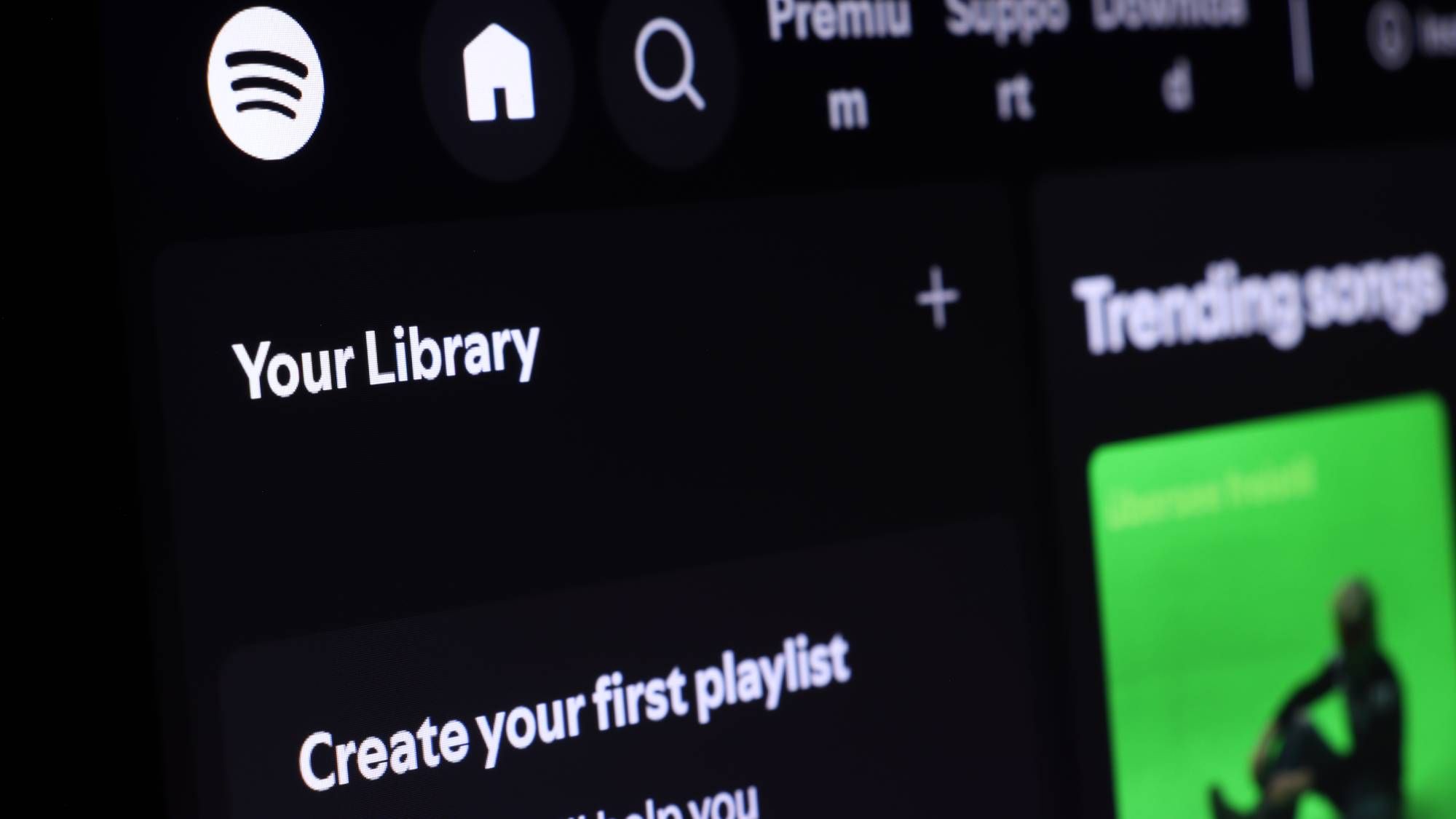
    After what feels like a lifetime for audiophiles, Spotify has finally rolled out its much-requested Exclusive Mode feature to the Windows desktop app, meaning you can now take full advantage of bit-perfect audio playback, with support for macOS arriving in the future.

    Available to Premium subscribers, Exclusive Mode can now be enabled in your Spotify Audio Output settings on desktop. In short, it gives Spotify complete control over your computer’s audio processing, so that you can listen to your favorite songs and albums exactly as they were mastered.

    Three months after users spotted it in beta, a Spotify representative announced the arrival of Exclusive Mode on the platform’s community site, offering more detail on how it works its magic. “Without Exclusive Mode turned on, your computer may alter audio before it reaches your DAC by resampling it, mixing other system sounds in, and changing the volume,” the post reads.

    Article continues below


    You may like

    But when Exclusive Mode is turned on, it ups the ante on audio output, which the post describes as being “ideal for listeners with a DAC or audio interface who want the purest possible sound without resampling and interference from their computer’s audio mixer”.

    With that in mind, there are a few trade-offs you’ll have to be willing to make.

    For starters, two of Spotify’s key features will be disabled while Exclusive Mode is enabled, those being Automix (Spotify’s DJ-like transitions between songs) and Crossfade. Additionally, Exclusive Mode is also unavailable when you’re watching music videos and streaming podcasts, as well as with other visual features such as preview clips and canvas clips. Instead, the audio may play from your computer’s default audio device.

    In addition, other apps on your PC will be unable to play audio through your device when Exclusive Mode is turned on. You can bypass this if you have multiple audio devices (i.e., wired/ bluetooth headphones, USB DAC, etc), where you can play sound from other apps by switching your computer’s default audio output to another device.

    Sign up for breaking news, reviews, opinion, top tech deals, and more.

    Spotify also recommends using Exclusive Mode with a DAC or audio interface if you want to make the most of bit-perfect sound. The streaming service also suggests disabling the Crossfade, Automix, Normalize Volume, and Equalizer features to hear the music as it was originally mastered.

    In spite of these compromises, I can see Exclusive Mode sitting very comfortably with Spotify fans who want to prioritize bit-perfect audio. It’s been a long time coming for users who exclusively use Spotify on desktop, and the positive reactions on Reddit speak for themselves — and some users are now calling on Apple Music to improve its Windows app.

    Enabling Exclusive Mode is simple — see below.

    Table of Contents

    Toggle
      • How to enable Exclusive Mode in Spotify for Windows
      • Related posts:
    • Wipers from Russia’s most cut-throat hackers rain destruction on Ukraine
    • Black Ops 6 Double XP Weekend Live Now
    • New Foldable Phone Designs Are Setting Up an Ambitious 2026

    How to enable Exclusive Mode in Spotify for Windows

    • Connect your external DAC or audio interface to your PC. If your computer has a built-in headphone or speaker port this means you might already have a compatible built-in DAC
    • Launch the Spotify Windows desktop app and go to Settings > Playback
    • Go to Output and select your audio device from the dropdown menu — you can then turn on Exclusive Mode

    Follow TechRadar on Google News and add us as a preferred source to get our expert news, reviews, and opinion in your feeds. Make sure to click the Follow button!

    And of course, you can also follow TechRadar on YouTube and TikTok for news, reviews, unboxings in video form, and get regular updates from us on WhatsApp too


    Related posts:

    Ubiquiti UNVR Instant Security Solution Review: 100% Solid

    The awesome Mac mini M4 just dropped to $479 at Best Buy – that's a new record low

    How to Watch the 2026 MotoGP Season Live From Anywhere

    Share. Facebook Twitter Pinterest LinkedIn Tumblr Email
    Previous ArticleHeartopia goes to the movies with its next event
    Next Article A Guide to OpenRouter for AI Development
    gvfx00@gmail.com
    • Website

    Related Posts

    Tech Reviews

    Researchers disclose vulnerabilities in IP KVMs from four manufacturers

    March 18, 2026
    Tech Reviews

    Subnautica 2 might finally be entering early access in May

    March 18, 2026
    Tech Reviews

    Teen Girls Sue xAI, Alleging ‘Devastating’ Harm From Grok AI Child Sexual Abuse Images

    March 17, 2026
    Add A Comment
    Leave A Reply Cancel Reply

    Top Posts

    BMW Will Put eFuel In Cars Made In Germany From 2028

    October 14, 202511 Views

    Best Sonic Lego Deals – Dr. Eggman’s Drillster Gets Big Price Cut

    December 16, 20259 Views

    What is Fine-Tuning? Your Ultimate Guide to Tailoring AI Models in 2025

    October 14, 20259 Views
    Stay In Touch
    • Facebook
    • YouTube
    • TikTok
    • WhatsApp
    • Twitter
    • Instagram

    Subscribe to Updates

    Get the latest tech news from tastytech.

    About Us
    About Us

    TastyTech.in brings you the latest AI, tech news, cybersecurity tips, and gadget insights all in one place. Stay informed, stay secure, and stay ahead with us!

    Most Popular

    BMW Will Put eFuel In Cars Made In Germany From 2028

    October 14, 202511 Views

    Best Sonic Lego Deals – Dr. Eggman’s Drillster Gets Big Price Cut

    December 16, 20259 Views

    What is Fine-Tuning? Your Ultimate Guide to Tailoring AI Models in 2025

    October 14, 20259 Views

    Subscribe to Updates

    Get the latest news from tastytech.

    Facebook X (Twitter) Instagram Pinterest
    • Homepage
    • About Us
    • Contact Us
    • Privacy Policy
    © 2026 TastyTech. Designed by TastyTech.

    Type above and press Enter to search. Press Esc to cancel.

    Ad Blocker Enabled!
    Ad Blocker Enabled!
    Our website is made possible by displaying online advertisements to our visitors. Please support us by disabling your Ad Blocker.